

The best VoIP MOS test is the one that shows you the numbers behind the score, not just the score. MOS (Mean Opinion Score) rates call quality from 1 to 5, and the network measurements that drive it are latency, jitter and packet loss. GrandSpeed's VoIP quality test reports a call quality (MOS) score together with jitter, and the same toolset measures latency, packet loss, bufferbloat and DNS resolution time, so you can see why a call sounds bad and not only that it does. It runs in any modern browser on a phone, tablet or laptop, over Wi-Fi or cellular.
Below: what a MOS test actually measures, what counts as a good score, how the main free tools differ, and how to run, read and verify a test.
TL;DR
- MOS is a 1 to 5 estimate of how a call sounds. A score of 4.0 or higher is the usual target for business-quality calls.
- The score is a result of latency, jitter and packet loss. A test that shows those three tells you what to fix.
- GrandSpeed pairs a MOS score with jitter, latency, packet loss, bufferbloat and DNS timing, and keeps a history of your tests.
- Run several tests at different times of day. One call or one run can mislead.
- After any fix, repeat the same test under the same conditions to confirm the change helped.
Table of Contents
- What a VoIP MOS test measures
- What counts as a good MOS score
- The best VoIP MOS tests compared
- How to run a MOS test that tells you something
- Reading the result: which number to fix
- Improving a poor score and proving it worked
- Who needs which test
- Our perspective
- Run your own MOS test
- FAQ
- Sources
What a VoIP MOS test measures
MOS started as a listening experiment. Traditionally, a panel of people rates a call on a five-point scale and the ratings are averaged. Modern tests do not use a panel. According to ITU-T Recommendation G.1029, objective methods measure the properties of the system and use a model to predict what listeners would have said.
In practice, an online MOS test sends a stream of test packets that imitate voice traffic, records how they arrive, and converts the result into a score. Three things drive it:
- Latency: the delay for audio to reach the other person. High latency causes talking over each other.
- Jitter: variation in that delay from packet to packet. It makes speech choppy or robotic because packets arrive out of rhythm.
- Packet loss: voice packets that never arrive, which show up as clipped words and dropouts.
The pattern of loss matters as well as the amount. ITU-T G.1029 notes that bursty packet loss can hurt perceived voice quality much more than the same rate of evenly spread loss, which the codec can partly hide. A test that only gives you a single average hides that difference.
Bandwidth matters less than people expect. A voice call needs roughly 100 Kbps each way per concurrent call, more for HD codecs, according to TechRepublic's 2025 VoIP testing guide. A fast plan with unstable delivery still produces a bad call, which is why a plain download speed number does not answer the question.
What counts as a good MOS score
The widely used target is a MOS of 4.0 or higher. The same TechRepublic guide gives practical thresholds for the inputs: latency under 100 to 150 ms, jitter under 20 to 30 ms, packet loss under 1%, and about 100 Kbps up and down per concurrent call.
Some providers set stricter lines. TechRepublic reports that Nextiva's guidance calls for 0% packet loss and jitter and ping under 70 ms. Treat these as ranges, not a single pass mark: the stricter figure is a sensible goal if you run a call center or take client calls all day.
A rough reading for the score itself:
| MOS | What a call usually sounds like |
|---|---|
| 4.0 and above | Clear, suitable for business calls |
| 3.5 to 4.0 | Acceptable, with occasional artifacts |
| Below 3.5 | Noticeable degradation; worth investigating |
The 3.5 line is not arbitrary. ITU-T G.1029 gives an example alarm that fires when more than 10% of calls in a period score below 3.5 on its objective MOS measure.
The best VoIP MOS tests compared
Here is how the main free browser tests differ on what they report. Tool details for the VoIP vendors come from TechRepublic's 2025 comparison and its 2024 guide.
| Tool | MOS score | Jitter, latency, packet loss | Beyond voice basics | Simulated calls |
|---|---|---|---|---|
| GrandSpeed | Yes | Yes | Bufferbloat, DNS timing, streaming and livestream resolution checks, test history | Single-connection browser test |
| RingCentral | Yes | Yes | Codec selection, 1 to 5 minute runs | Up to 50 |
| Nextiva | Listed metrics differ | Yes, plus speed and IP address | Choice of call origin | Up to 200 |
| 8x8 / Ooma | Similar to each other | Yes | Host selection (8x8) | Varies |
GrandSpeed: the pick for diagnosing the cause
Our choice, and the one we would run first. The GrandSpeed VoIP quality test gives a call quality score and a jitter reading, and the wider toolset adds the metrics that explain a bad score: latency, packet loss, bufferbloat (delay that builds up when your line is busy) and DNS resolution time. That is what you need when a call sounds fine on a quiet network and breaks up when someone else starts a download or an upload.
It also keeps a history of your results, so you can compare Monday morning with Thursday afternoon, before and after a router change, or across Wi-Fi and cellular. For anyone who streams or broadcasts as well as makes calls, the same site checks what video resolution your measured upload supports and has a livestream upload monitor for watching stability during a broadcast. There is no cost for the tests.

RingCentral, Nextiva and 8x8
These are phone-system providers that publish a test for prospective customers. TechRepublic says RingCentral's test reports MOS, jitter, latency and packet loss, simulates up to 50 calls at once, runs one to five minutes and lets you change codecs. Nextiva's simulates up to 200 concurrent calls and lets you choose where calls originate. 8x8's is described as similar to Ooma's, with a changeable host.

The simulated-call counts are useful if you are sizing an office phone system. For a home worker, a gamer on voice chat or a streamer who takes guest calls, one connection is the realistic load, and the cause of a bad score matters more than the number of lines.
How to run a MOS test that tells you something
- Pick the device and connection you really use. Test on the laptop or phone that makes the calls, over the same Wi-Fi or cellular link. A wired test from a different room tells you about a different network.
- Close competing traffic first, then repeat with it on. Run once on an idle network. Then run again while a video plays or a backup uploads. The gap between the two shows bufferbloat and congestion problems.
- Run the GrandSpeed test and note MOS, jitter, latency and packet loss, not only the headline score.
- Repeat at different times. ITU-T G.1029 warns that a single call's objective MOS can vary naturally and recommends analyzing a sufficient sample before drawing conclusions. Three to five runs across a day and a few days is a sensible habit at home.
- Look at the worst runs, not just the average. The same recommendation advises against relying only on global averages because a problem hitting a subset of calls gets diluted. If one run in five drops below 3.5, that is the problem you will feel on a Friday client call.
- Save the results. Your test history becomes your evidence for whoever you need to talk to about the line.
Reading the result: which number to fix
Use the inputs to find the cause:
- Latency high, jitter low: the path is long or slow but steady. Check for a VPN or a distant server.
- Jitter high: usually Wi-Fi interference, a busy network or an overloaded router. Our guide on how to reduce jitter walks through fixes for home and work networks, and five quick VoIP jitter fixes covers what to try before contacting your ISP.
- Packet loss above 1%: see acceptable packet loss limits for voice, gaming and streaming, and fast packet loss fixes for step-by-step tests.
- Latency over about 150 ms: the VoIP latency guide has four quick tests to confirm and fix it.
- Good idle score, bad score under load: that is bufferbloat. Lower your upload use during calls or enable smart queue management on the router.
Teams users can check their numbers against the Teams bandwidth requirements guide.
Improving a poor score and proving it worked
Change one thing at a time, then re-test. The usual order of fixes, cheapest first:
- Move from Wi-Fi to a wired Ethernet connection, or move closer to the router and off a crowded channel.
- Restart the router and modem, and update the router firmware.
- Pause cloud backups, game downloads and uploads during calls.
- Turn on QoS (quality of service) or smart queue settings on your router so voice is served first.
- Switch the call app's codec or reduce the number of devices on the line.
After each change, repeat the same test under the same conditions as before: same device, same time of day, same background load. Compare against the saved history. If the MOS rose and jitter fell across several runs, the change worked. If one run improves and the next does not, the change is probably noise.
Then make a real call. A free browser-based video call with a stranger needs no account or download, which makes it a quick way to hear your connection in use while you watch the jitter number from your test.
Who needs which test
- Remote workers and consumers with laggy calls: the GrandSpeed MOS and jitter test, run at the hours you actually call.
- Gamers using voice chat: latency, jitter and packet loss together, since they decide both game feel and voice quality.
- Streamers and content creators: MOS for guest calls, plus the livestream monitor and the video streaming quality test for upload stability. The bitrate planner helps you set a stream bitrate your upload can hold.
- IT professionals: all of the above, plus load simulation for sizing a phone system, and the history for before-and-after proof.
Our perspective
A MOS number on its own is a verdict with no evidence. You learn that the call is a 3.2, and then you are left guessing whether it is Wi-Fi, your router, your upload being saturated, or something upstream.
We built GrandSpeed around the idea that a connection should be measured the way it is used. That means jitter, latency, packet loss, bufferbloat and DNS timing next to the speed figures, and tests aimed at specific jobs: calls, gaming, streaming and live broadcasting. A basic speed-only test can show a fast plan while your calls still break up, and that mismatch is exactly what most people come to us to explain.
Our advice is simple. Test the way you actually work, test more than once, keep the history, and change one thing at a time. A score that you can trace to a cause is a score you can fix.
Peter D
Run your own MOS test
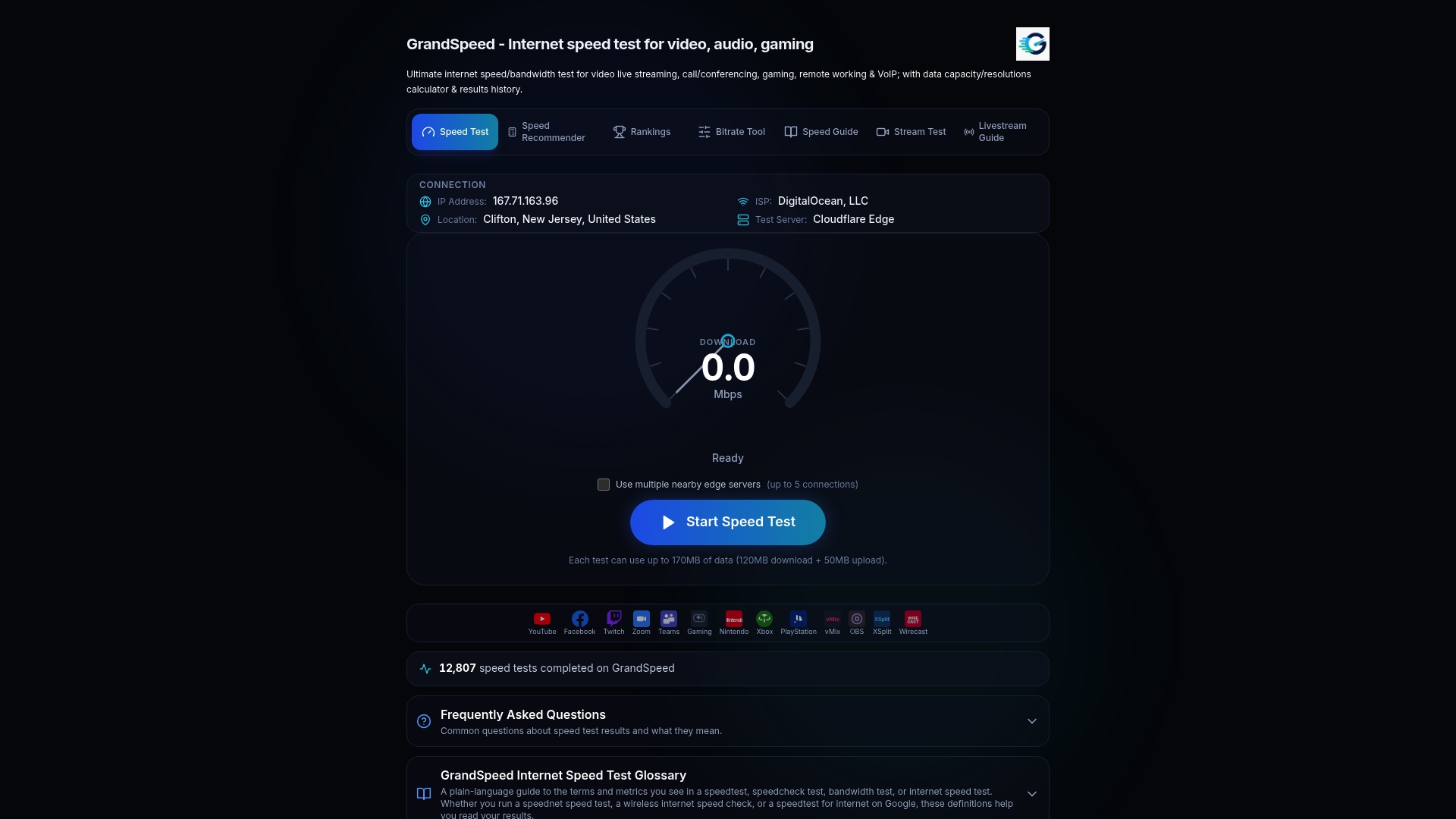
If your calls stutter, your streams buffer or your upload falters despite a fast plan, start with the GrandSpeed speed test and the VoIP quality test. They run in your browser, report the metrics that decide call quality, and save results so you can see whether each fix helped. If you are choosing a plan, the Internet/ISP speed recommender shows what speed your usage calls for.
FAQ
What is a good MOS score for VoIP?
A MOS of 4.0 or higher is the usual target and sounds clear for business calls. Scores between 3.5 and 4.0 are usually acceptable, and anything below 3.5 is worth investigating. Check jitter and packet loss alongside it, because they explain the score.
Is a VoIP MOS test the same as a speed test?
No. A speed test measures how much data your line can move. A MOS test estimates how a call sounds, which depends on latency, jitter and packet loss more than raw speed. GrandSpeed reports both kinds of measurements, so you can see them together.
How often should I run a VoIP MOS test?
Run it several times across different hours and days, since a single run can vary naturally. Run it again after every change to your router, Wi-Fi or provider. Saved history makes the comparison easy.
Why does my MOS drop only when I upload or stream?
That is typically bufferbloat: your line fills up and every packet, including voice, waits in a queue. Test once on an idle network and once under load. If the score falls under load, limit upload use during calls or turn on QoS on your router.
Sources
- Recommendation ITU-T G.1029: Voice service diagnosis framework
- TechRepublic: Free VoIP Speed Testing, How to Evaluate Call Quality
- TechRepublic: How To Run a VoIP Quality Test and Improve Your MOS