

5G is good for watching streams and can be good for sending one, but only when the upload speed you actually get stays above your stream's bitrate with room to spare. Download speed is rarely the problem. A livestream lives or dies on upload, latency and stability, and those change with your carrier, your spot in the room and the hour of the day. The fix is to measure your own connection, then match your video settings to what it can sustain.
TL;DR
- Watching video on 5G is easy. Sending video is the hard part, so judge 5G by upload speed, not the download number on the box.
- Plan for an upload speed at least 20% above your stream bitrate. That is YouTube's own guidance.
- Real 5G upload varies a lot. In UK regulator tests, only 29% of 5G uploads averaged 20 Mbit/s or more.
- Jitter, latency and dropouts matter as much as raw Mbps. Test them at the time and place you will stream.
- Run several tests, in the same spot, at the hours you plan to go live, before you pick a resolution.
Table of Contents
- Is 5G good for streaming?
- How much upload speed each resolution needs
- What 5G upload speeds look like in real tests
- Why 5G upload varies from spot to spot
- Latency, jitter and packet loss on 5G
- How to size your stream for 5G
- When 5G is the right connection, and when to add a backup
- If a fast test still gives you buffering
- Our perspective
- Test your 5G connection for streaming
- FAQ
- Sources
Is 5G good for streaming?
For watching, yes. A 1080p or even 4K video stream asks for far less than a typical 5G download link provides, and video players buffer a few seconds ahead, so small hiccups vanish. Streaming services also adapt quality on the fly.
For broadcasting, the answer is "it depends on the upload you get." A live encoder cannot buffer minutes ahead. It must push every second of video out in real time, and if the link slows, frames are dropped or the stream stalls. That is why a number like "1 Gbps 5G" tells you little. The peak figures quoted in marketing describe download under ideal conditions.
The gap between download and upload is built into mobile networks. Operators tend to give most capacity to download, because most people consume more than they send. 5G narrows the gap compared with 4G but does not remove it. In its Mobile Matters 2023 report, the UK regulator Ofcom measured average 5G upload of 14.7 Mbit/s, almost twice the 7.6 Mbit/s on 4G. That is a clear improvement, and it is also an average. Averages hide the bad spots, which is where your stream will fail.
How much upload speed each resolution needs
Start with the bitrate your platform wants, then add headroom. Bitrate is how much data your video uses per second. Your upload speed must be larger than that number, not equal to it.
The 3GPP specification for 5G video traffic, published by ETSI, lists typical streaming bitrates: 2 to 5 Mbps for 720p HD, 3 to 12 Mbps for Full HD, 5 to 25 Mbps for 4K UHD, and 25 to 80 Mbps for 8K. Platforms are more specific. YouTube recommends 17 Mbps H.264 for 1080p at 60 fps and 50 Mbps for 4K at 60 fps for live streaming. Vimeo's live-event guidance pairs 10.1 to 25 Mbps of upload with a 4,000 kbps 1080p/30 fps stream, and 25.1 Mbps or more for a 5,000 kbps stream.
| What you stream | Typical stream bitrate | Upload to aim for (bitrate + 20%) |
|---|---|---|
| 720p, 30 fps | 2 to 5 Mbps | 2.4 to 6 Mbps |
| 1080p, 30 fps | 3 to 12 Mbps | 3.6 to 14.4 Mbps |
| 1080p, 60 fps (YouTube) | 17 Mbps | 20.4 Mbps |
| 4K, 60 fps (YouTube) | 50 Mbps | 60 Mbps |
The first two rows use the ETSI ranges, the last two the YouTube recommendations. The right-hand column is simple arithmetic: multiply the bitrate by 1.2.
Two things lower the real requirement. Newer codecs such as AV1 can deliver the same picture at a lower bitrate, and many streamers on mobile choose 720p60 or 1080p30 rather than chase 4K. If you are not sure what your settings add up to, the video bitrate calculator turns resolution, frame rate and audio into a target. Our post on how much upload you can actually use for streaming shows why a 20 Mbps plan is not 20 Mbps for your stream.
What 5G upload speeds look like in real tests
The best public data comes from regulators that run large-scale measurements. These are UK figures, and your country will differ, but the pattern is useful everywhere.
In Ofcom's Mobile Matters 2024 report, 29% of 5G uploads averaged 20 Mbit/s or more, against 15% on 4G and 3% on 3G. Read that the other way: most 5G uploads in that sample stayed below 20 Mbit/s. That is plenty for a 720p or 1080p30 stream, and not enough for 1080p60 at YouTube's 17 Mbps with headroom. Results also differed by operator and location, and urban areas had a greater share of fast tests than rural ones.

The type of 5G changes everything. Millimeter-wave 5G, the very high-frequency kind used in dense parts of some US cities and venues, can reach up to 2 Gbps in good conditions. An academic study of commercial networks in the US found that its throughput changes with signal blockage, direction and movement, and can fall to near zero in dead zones. Mid-band 5G is the more common middle ground: broader coverage, less extreme peaks.
So what should you expect? A reasonable plan is to treat 5G as capable of a solid 720p or 1080p stream in good coverage, and to prove anything higher with your own tests. If you are comparing 5G with 4G, expect 5G to help, but not to replace measurement.
Why 5G upload varies from spot to spot
Five things move your result more than anything in your phone's settings.
Signal strength and band. Indoors, behind thick walls or low-E glass, the signal drops and so does upload. Moving a router or phone to a window can change the number by a large factor.
Which carrier and which tower. Ofcom found results varied by mobile operator, so a friend's good result on another network tells you little.
Congestion. Cell capacity is shared. BBC Research & Development notes that mobile contribution links can become unreliable at large events because many users compete for the same public-network capacity, unless dedicated or prioritized capacity is provided. A stadium, a festival or a busy evening in a dense neighborhood all behave this way.
Movement and handoffs. The same US research points out that frequent handoffs between 5G and 4G during mobility affect session connectivity, and that applications need to adapt bitrate dynamically. If you stream while walking or riding, expect more variation.
Time of day. Speeds on wireless links swing with local demand. New Zealand's Commerce Commission says 5G fixed wireless can support UHD streaming with multiple users, but that latency is likely higher than fixed-line broadband and speeds vary with time of day. That is a New Zealand finding, but the mechanism is the same on any shared radio network.
If several people or devices share the same connection, add up what they all need. A free office bandwidth calculator is a quick way to total the demand from cameras, calls and uploads before you compare it with your measured upload. Our guide on why upload speed fluctuates and how to stabilize it covers the fixes in more depth.
Latency, jitter and packet loss on 5G
Upload speed gets the attention, but a live stream also needs a steady connection.
- Latency is the time a packet takes to make the round trip. Ofcom's 2024 data put average 5G latency at 18.9 ms, against 21.9 ms on 4G and 42.3 ms on 3G. The "1 ms" figure in marketing is a lab target, not what you will see on a phone.
- Jitter is how much that latency wobbles from packet to packet. High jitter makes calls choppy and live video stutter, even when the average speed looks fine.
- Packet loss means data never arrives and must be resent or skipped. Broadcast-grade contribution is demanding: one academic paper on remote production over 5G specifies a maximum round-trip time of 50 ms, jitter below 10 ms and very low packet loss, because transmission problems disturb viewing and can make the source material unusable. A creator on a phone has a looser budget, but the direction is the same: keep all three low.
There is also bufferbloat, where your connection stays fast but delay balloons as soon as the uplink fills up. It is a common reason a stream or video call lags during an upload even though a basic speed test looked excellent. A test that reports only download and upload misses it.
On reliability, Ofcom found 98.4% of attempts to access 5G data services in coverage areas succeeded, compared with 97.2% on 4G. That is good, and still means a small share of attempts fail, which is another reason to keep a backup path for anything important.

How to size your stream for 5G
Use this sequence before you go live.
- Test at the right place and time. Stand where you will stream, at the hour you will stream. Run the test three to five times. Use the lowest sustained result, not the best.
- Check the extras. Look at latency, jitter, packet loss and bufferbloat, not only Mbps.
- Pick a bitrate from your platform's guidance. For example, 17 Mbps for 1080p60 on YouTube, or less if you choose 1080p30.
- Add headroom. YouTube advises that total streaming bitrate must not exceed available upload bandwidth and recommends 20% room. For a mobile stream with a backup feed, its mobile guidance says to add primary bitrate plus backup capacity plus 20%. Vimeo likewise says upload speed should exceed the configured bitrate to absorb fluctuations, shared traffic and overhead.
- Step down if the numbers are tight. Dropping from 1080p60 to 1080p30, or from 1080p to 720p, cuts the bitrate you need far more than it cuts what viewers notice on a phone screen.
A worked example. Your five tests at the venue give 14, 22, 9, 18 and 12 Mbps upload. The lowest sustained figure is about 9 to 12 Mbps. A 1080p60 stream at 17 Mbps plus 20% needs about 20.4 Mbps, so it is out. A 1080p30 stream at 6 Mbps plus 20% needs 7.2 Mbps, so it fits with margin. You go live at 1080p30 and keep 720p ready as a fallback.
For the full picture of how much headroom to build in for a home or studio setup, see what internet to choose for streaming.
When 5G is the right connection, and when to add a backup
For fixed wireless or 5G home internet, treat the first weeks as a trial. Our walkthrough of evening tests that verify 5G home internet for streaming and work explains the schedule. If you also game on it, measuring 5G home internet for gaming covers the latency side.
How does 5G compare with other links? An Arthur D. Little analysis for broadcasters says that 4G already enabled fast, flexible, low-cost mobile news gathering, while its limits in bandwidth, latency and reliability, especially at cell edges, restricted camera count and real-time combining of sources. The same report says 5G can offer up to 20 times the overall network bandwidth and 90% lower latency than 4G, provided fiber backhaul and the full range of 5G spectrum bands are in place. In plain terms: 5G is a real step up, and its benefits depend on how well the network around you is built.
A practical rule:
- Single camera, one platform, decent signal: 5G is a strong choice.
- Event crowds, moving shots or multiple cameras: add a second path. Vimeo suggests a dedicated Ethernet connection where possible and mentions its bonded-streaming option for fluctuating networks.
- 4K: only after sustained tests show comfortably more than 60 Mbps for a 4K60 stream at YouTube's recommended bitrate, or a lower bitrate with an efficient codec. Our post on 4K streaming bitrates with AV1 explains when 15 to 25 Mbps can be enough for viewing. For multiple destinations at once, the multi-streaming guide shows how the upload requirement adds up.
If a fast test still gives you buffering
When the speed test looks fine but the stream drops frames, check these in order.
- Is the test result sustained? One fast test proves little. Repeat it for several minutes while the encoder runs.
- Is something else using the uplink? Cloud backups, game updates and other devices can fill the upload and cause bufferbloat.
- Is your signal borderline? Move closer to a window, or outdoors. Check which network type your phone shows.
- Is the encoder's bitrate fixed too high? Lower it, or use an encoder that adapts. Researchers argue that 5G-aware applications should adjust bitrate dynamically as throughput changes.
- Can you use a cable? Vimeo advises a dedicated Ethernet connection where possible. With a 5G router, put the router in the best signal spot and run a cable to your computer.
If uploads are slow overall, our guide on why your upload speed is so slow lists causes and fixes.
Our perspective
Most streamers who struggle on 5G were never short of speed. They were short of information. They ran one download-focused test in the living room at noon, then went live on a crowded evening from a different corner and wondered what happened.
We built GrandSpeed around the idea that a connection should be judged for the job you want it to do. Upload speed, latency, jitter, packet loss and bufferbloat together say far more about a livestream than a single Mbps figure, and the history of your tests shows whether your 5G link is steady or just occasionally fast.
Our advice: test where and when you will broadcast, pick the resolution your sustained upload supports with 20% to spare, and keep the results. If the numbers change by the hour, you have learned something valuable before your audience did.
Peter D
Test your 5G connection for streaming
GrandSpeed measures what a stream actually depends on: download and upload, latency, jitter, packet loss, bufferbloat and DNS response, from any modern browser on your phone or laptop. It also works out the highest live stream resolution your tested speeds can support, so you do not have to do the math yourself.
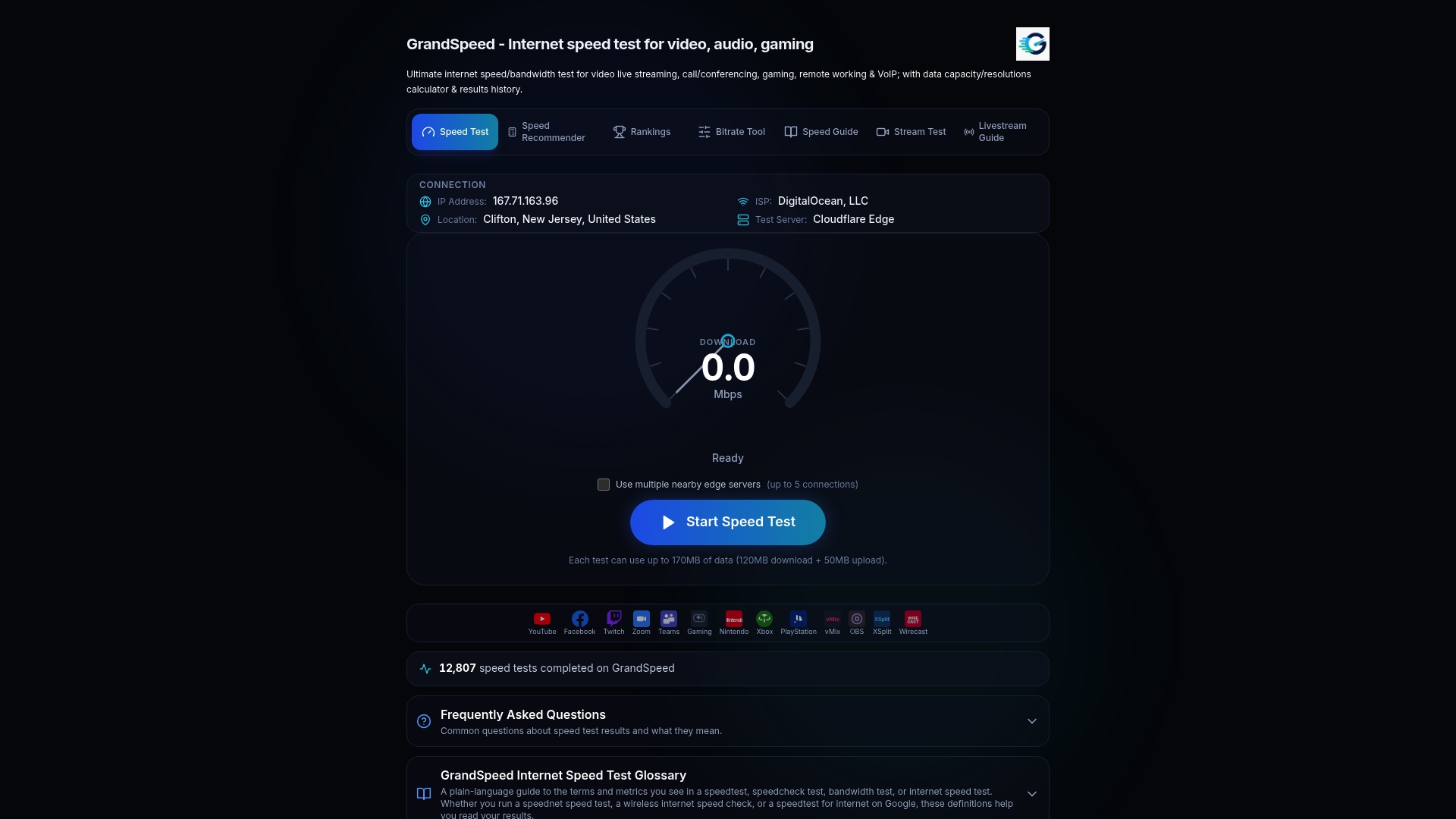
Run the GrandSpeed speed test on your 5G connection, then keep an eye on your upload with the livestream upload speed monitor while you are on air. To check how your link handles video playback, try the video streaming quality test.
FAQ
How much upload speed do I need for streaming on 5G?
Take your stream's bitrate and multiply it by 1.2 for headroom. A 1080p60 YouTube stream at 17 Mbps needs about 20.4 Mbps of sustained upload, and a 4K60 stream at 50 Mbps needs about 60 Mbps. A lower-bitrate 720p or 1080p30 stream needs far less, often under 10 Mbps.
Is 5G good for streaming video?
Yes for watching, since video playback uses a small share of typical 5G download speeds and players buffer ahead. For broadcasting, it is good when you measure a steady upload above your bitrate plus headroom, and less reliable in crowded places or weak signal.
Why is my 5G upload so much slower than download?
Mobile networks assign more capacity to download because most traffic flows that way. 5G improves upload over 4G, with Ofcom measuring average 5G upload of 14.7 Mbit/s against 7.6 Mbit/s on 4G in the UK, but it still trails download on most networks and varies by location and carrier.
Can I livestream in 4K over 5G?
Possibly, but only with proven numbers. YouTube's recommended 4K60 bitrate is 50 Mbps, so you would need around 60 Mbps of sustained upload. Few connections give that consistently. Test repeatedly at your venue, and consider 1080p or a lower 4K bitrate if results swing.
What matters besides speed for a 5G livestream?
Latency, jitter, packet loss and bufferbloat. They decide whether frames arrive on time and whether the stream stays smooth when the uplink is busy. A test that reports all of them shows problems a plain speed number hides.
Sources
- ETSI TR 126 925: Typical traffic characteristics (3GPP Release 18)
- Vimeo: Recommended network configuration for live events
- YouTube Help: Choose live encoder settings, bitrates, and resolutions
- YouTube Help: Streaming tips
- YouTube Help: Filming tips, Live
- Vimeo: Upload Speed for Streaming
- Ofcom: Mobile Matters 2023
- Ofcom: Mobile Matters 2024
- Case for 5G-Aware Video Streaming Applications
- BBC R&D: Unlocking the potential of 5G for content production
- Remote production and mobile contribution over 5G networks
- Arthur D. Little: Broadcasters' 5G evolvement within a hybrid environment
- New Zealand Commerce Commission: Measuring Broadband New Zealand, Report 23
- Office Bandwidth Calculator