

Use SRT whenever your connection is unpredictable or you need low, tunable delay, such as mobile, remote, or cross-region streams. RTMP is acceptable from a stable studio line when delay of several seconds does not matter. The choice depends on how much latency you can tolerate and how predictable your network is. If your target platform only accepts RTMP, use RTMP or RTMPS.
TL;DR:
- Set SRT’s latency window from measured round trip time; shorter settings cut delay, while longer settings leave more time for packet recovery.
- If a destination accepts only RTMP, use RTMPS or route SRT through a gateway; consumer platforms commonly require a stream key.
- Enable SRT’s AES encryption on public internet contribution links, or use RTMPS instead of plain RTMP, which exposes video and stream keys.
- Before broadcasting, measure upload speed, packet loss, jitter, and round trip time, then test with the same route, bitrate, and encoder settings.
Table of Contents
- How do SRT and RTMP compare at a glance?
- Why do SRT and RTMP behave so differently on the wire?
- What should you expect in real-world tests?
- How do you set up SRT or RTMP in your encoder?
- How does each protocol handle security?
- How do you choose between SRT and RTMP?
- How do you tune a stream that stutters or lags?
- Why do we say measure first, then pick settings?
- Ready to test your connection before going live?
- FAQ
- Sources
How do SRT and RTMP compare at a glance?
Here is the short version, so you can see where the real differences sit before we get into the mechanics.
- Latency: RTMP typically lands at several seconds without tuning, while SRT lets you set a latency window, so you trade delay against resilience on purpose.
- Packet loss and jitter: SRT recovers lost packets selectively using adaptive retransmission. RTMP relies on TCP, which stalls the whole flow while it recovers.
- Security: SRT includes AES encryption. Plain RTMP sends everything unencrypted, so you need RTMPS (TLS) to protect your stream key.
- Compatibility: RTMP is accepted by nearly every major platform. SRT is broadly supported across broadcast and cloud tools but still less common on consumer platform ingest.
- Setup effort: RTMP is paste-a-key simple. SRT takes more configuration, but it gives you live feedback on packet loss, jitter, and round-trip time.
Why do SRT and RTMP behave so differently on the wire?
The gap comes down to transport. RTMP runs over TCP. TCP guarantees ordered delivery by acknowledging data and holding everything behind a lost packet until it is resent. On a clean LAN that is invisible. On a lossy link, one missing packet stalls the stream, and RTMP receivers typically compensate with larger buffers. That is the main reason RTMP delay sits in the multi-second range by default.
SRT is built on UDP and adds its own reliability layer. Each packet carries a sequence number and a timestamp, so the receiver can tell exactly what is missing and ask for only those packets again (a selective negative acknowledgment, or NACK). Timestamps let the receiver play frames back at the original pace, which smooths out jitter. Haivision's published technical overview covers the packet structures, retransmission, timing, and encryption behind these claims, and there is also an IETF draft tracking standardization.

What this means for your delay: SRT holds packets for a configurable latency window so retransmits have time to arrive. A short window gives low delay but less room to recover. A longer one survives rough networks at the cost of a slower picture. RTMP gives you far less control over that tradeoff.
SRT also offers three connection modes. In caller mode, your encoder dials out to a receiver, which works well behind home routers. In listener mode, your encoder waits for an incoming connection, which suits a fixed server or studio. Rendezvous lets both sides call each other at once, which helps when both ends sit behind NAT. SRT is open source under MPL-2.0, and SRT can even carry existing RTP workflows across the public internet, as the SRT Alliance explains in its RTP interoperability note.
What should you expect in real-world tests?
Public internet tests tend to tell a consistent story. SRT can offer low latency when paired with a capable encoder, while RTMP delay depends on the setup. Industry commentary frames SRT as a significant step beyond RTMP for security, reliability, and modern format support, which is part of why adoption grew alongside cloud media routing.
Distance is where the gap widens. Round-trip time (RTT) punishes TCP, because acknowledgments take longer to come back and throughput suffers. A high-bitrate RTMP stream that works fine to a nearby server can sputter when you push it across an ocean. SRT's retransmit logic holds up better over long RTTs, so you can usually keep a higher bitrate on the same route, provided your latency window is sized to the RTT.
Hardware matters too. A dedicated hardware encoder adds less encode and buffering delay than a busy laptop running a game and a stream together, so it trims end-to-end latency before the protocol even enters the picture.
The practical takeaway: on a stable wired connection to a nearby server, you may not see much difference. On mobile data, hotel Wi-Fi, or a long-haul route, expect SRT to be both lower in delay and more resilient. Treat any figure here as a range to verify, not a promise, which is why the testing steps later in this article matter.
How do you set up SRT or RTMP in your encoder?
Most modern tools speak both. OBS, Wirecast, and mobile apps such as Larix Broadcaster handle SRT and RTMP, and many hardware encoders list both as output options. Platform support is the real constraint: cloud producers and several encoders list SRT and RTMP among supported transports, but major consumer platforms still lean on RTMP or RTMPS with a stream key. Hardware switchers such as the Blackmagic ATEM Mini Pro show the typical workflow of a dedicated encoder feeding a stream out.
- OBS SRT URL: use the
srt://IP:port?option=valuepattern, as the OBS SRT guide describes. For example,srt://<IP>:<port>?mode=caller. - Mode: set
mode=callerwhen you dial out to a server, andmode=listenerwhen your machine waits for a connection. - Timeout: add a
timeoutvalue so a dropped link fails and reconnects instead of hanging. - RTMP/RTMPS: still the easiest route to big platforms. Paste the server URL and stream key and go.
- Firewalls and NAT: SRT uses UDP, so open the chosen port for listener mode, or use caller or rendezvous mode from behind a router.
How does each protocol handle security?
SRT includes AES encryption with configurable key strengths, and we recommend turning it on for any contribution link that crosses the public internet. Use a strong passphrase and rotate it between events when you can.
Plain RTMP is unencrypted. Your video and your stream key travel in the clear, so anyone on the path could capture the key and hijack your channel. RTMPS wraps the connection in TLS and fixes that, and most platforms offer an RTMPS endpoint.
Whichever protocol you choose, encrypt the link, keep keys out of screenshots and chat, and add firewall rules or a VPN when you contribute to a private receiver.

How do you choose between SRT and RTMP?
Work through these steps in order and stop when you have your answer.
- Set your latency target. If you need very low latency, SRT may be the better fit. If you can tolerate more delay, RTMP may work.
- Test your network. Measure packet loss, jitter, and RTT on the actual route. If any of them look unstable, prefer SRT.
- Check ingest support. If your destination only accepts RTMP, use RTMPS or put a gateway in between that converts SRT to RTMP.
- Weigh complexity and monitoring. RTMP is simpler. SRT asks for more setup but rewards you with live network health data.
Pro Tip: Always do a short test run on the same route, with the same bitrate and encoder settings you plan to use at the event.
You can pair this with our guide to the best internet for streaming, which covers upload headroom and latency targets.
How do you tune a stream that stutters or lags?
Small changes go a long way, and each one trades delay against stability.
- SRT latency window: raise it if you see drops or visible glitches, lower it if delay matters more than perfect recovery. A common rule of thumb is to size it as a multiple of your measured RTT.
- SRT timeout: set it long enough to ride out short outages, short enough that a dead link reconnects quickly.
- RTMP buffers: on high-RTT routes, increase the receive buffer, and watch for stalls that look like frozen frames followed by a burst.
- Network checks: run packet loss, jitter, and RTT tests before going live. Persistent loss or large jitter swings are your cue to switch to SRT or lower your bitrate.
- OBS reconnects: match caller or listener mode to the other end, and set sensible timeouts so OBS retries cleanly.
Why do we say measure first, then pick settings?
Protocol debates are fun, but the numbers decide the outcome. Before any live event, check upload speed, jitter, packet loss, and RTT. Upload speed sets your bitrate ceiling, and a good habit is to stream well under your measured maximum so a dip does not take you down. Jitter and loss tell you whether RTMP will hold together or whether SRT's recovery is worth the setup. RTT tells you how large your SRT latency window needs to be.
A short test before going live can help you avoid guessing mid-broadcast. Pick the protocol after you have the data, then leave generous headroom so a brief network problem does not ruin the stream.
— Peter D
Ready to test your connection before going live?
We built our tools for exactly this moment. Our Video Streaming Quality Test checks the network behavior that decides your protocol choice, and our video bitrate planner turns your measured upload speed into a target bitrate with sensible headroom. If you stream regularly, our Livestream Upload Speed Monitor lets you keep an eye on upload performance over time instead of guessing. For a quick baseline, run our speed test first, then use the results to set your bitrate and latency window.
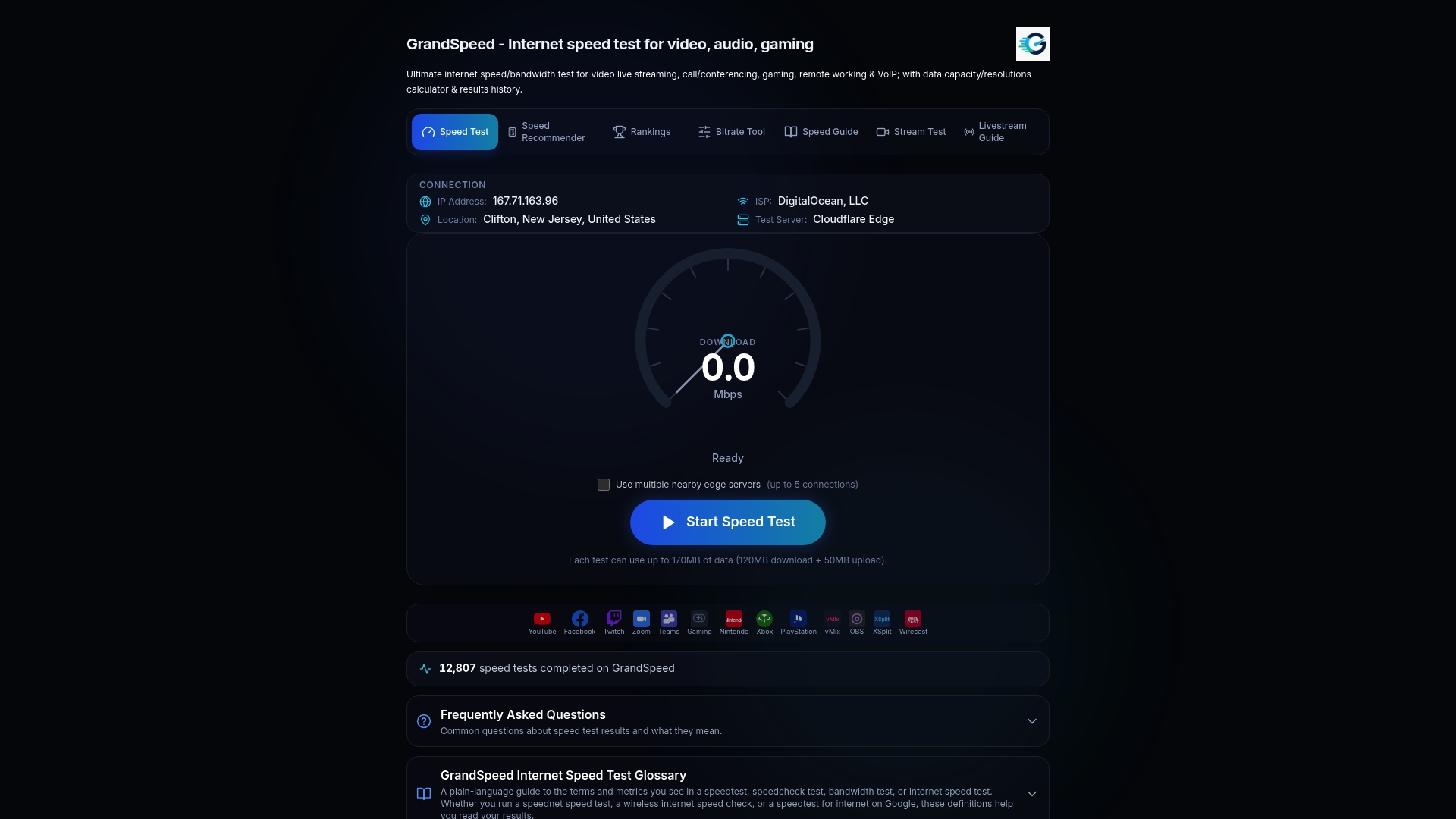
Run the stream test now, then take the numbers into your encoder and start your short test run.
FAQ
Is RTMP obsolete?
Not yet. RTMP is still the simplest way to reach many major platforms, so it remains widely used for ingest. SRT is the better fit for unreliable networks and low latency, and it is gaining ground in professional workflows.
Should I use RTMP or HLS?
They do different jobs. RTMP is mainly an ingest protocol that carries your stream to a server, while HLS is a delivery format that serves viewers. Many setups use RTMP or SRT to send video in and HLS to distribute it.
Is WebRTC faster than RTMP?
Generally yes, since WebRTC is designed for real-time, sub-second interaction. The tradeoff is more complex setup and less universal platform ingest support than RTMP.
How do I view an SRT stream?
Open the stream in a player that supports SRT, such as one built on FFmpeg, using the srt:// address and the matching caller or listener mode. Use the same passphrase if the sender enabled encryption.
Sources
- Streamingmedia
- Why SRT | Secure, Reliable Low-Latency Video Streaming
- Haivision Publishes SRT Open Source Specification - Protocol for Low Latency Video Streaming and File Transfer - SRT Alliance
- SRT Protocol Streaming Guide | OBS