

Predictable evening latency spikes almost always come from shared-network peak-hour congestion, not your gaming rig. The fastest way to confirm it: plug into your modem with Ethernet and run a ping test plus a speed test during tonight's worst stretch, then repeat at midday. If the wired test only shows spikes at night, log it and contact your ISP. If Wi-Fi is the only thing acting up, the fix is in your house, not on their network.
TL;DR:
- Most nighttime latency spikes are caused by shared-network congestion that peaks during evening hours, and testing with a wired connection during these times confirms whether the issue is external or internal.
- Conducting repeated tests at consistent times over several nights reveals patterns: spikes only at a certain hour point to node congestion, while persistent latency indicates upstream routing or provider issues.
- Implementing basic fixes like rebooting the router, disabling background uploads, and switching to 5GHz Wi-Fi can resolve many local network latency problems before seeking ISP support.
- Using comprehensive tools such as continuous ping, traceroute, and GrandSpeed tests helps pinpoint whether delays originate inside the home or on the provider's network.
- Documentation of a consistent, timestamped pattern over multiple nights strengthens your case when contacting your ISP about ongoing latency issues.
Table of Contents
- Diagnosing Latency Spikes at Night: A Step-By-Step Flow
- What Actually Causes High Latency at Night?
- How Do You Test for Latency Problems During Night Hours?
- The Fastest Fixes for Nighttime Latency Spikes
- When Should You Contact Your ISP About Latency Spikes?
- Will Upgrading Your Plan or Switching to Fiber Actually Help?
- An Editorial Take on Chasing Nighttime Lag
- Get Evidence Your ISP Can't Ignore
- Sources
- FAQ
Diagnosing Latency Spikes at Night: A Step-By-Step Flow
Before you touch a router setting or call support, you need proof of the pattern. Guesswork wastes money on hardware upgrades and gets you nowhere with an ISP call center. Here's the order that actually isolates the cause.
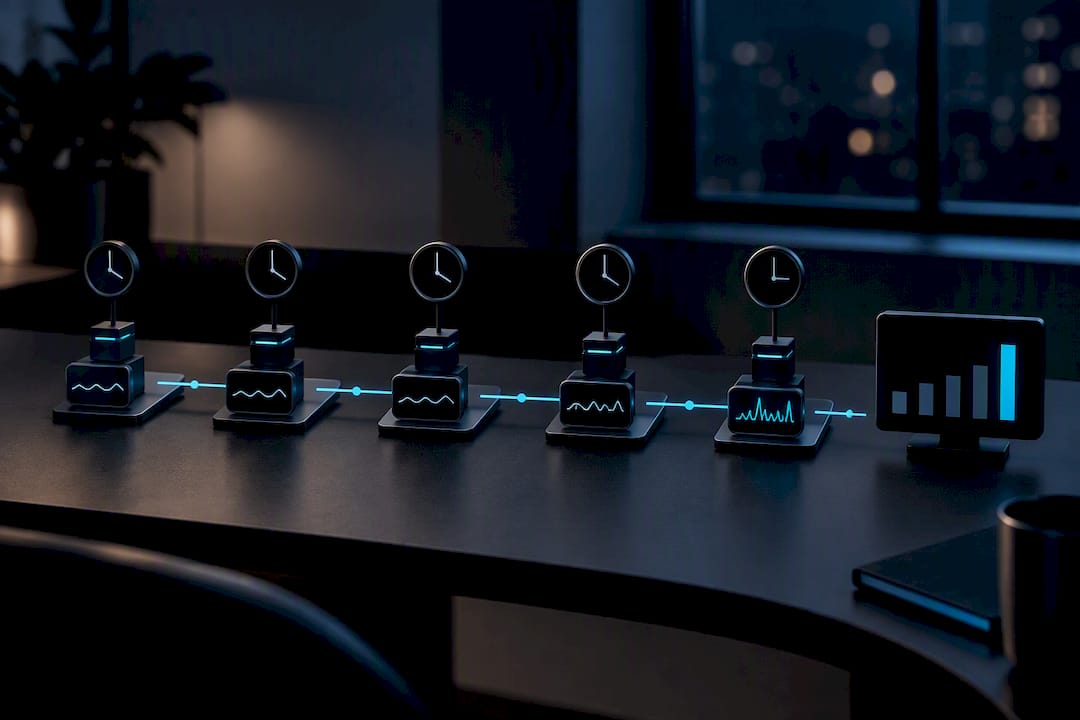
- Test at both extremes. Run a latency test at midday, then again during the peak window most guides flag, roughly 7 to 11 PM on weeknights, according to the FCC's Measuring Broadband America methodology. Repeat this for at least three nights before drawing conclusions.
- Go wired first. Connect a laptop directly to the modem or gateway with an Ethernet cable and run the same test. This one step separates ISP-side congestion from a Wi-Fi problem sitting inside your own walls.
- Run continuous ping and a traceroute. A steady ping to a game server and to a public DNS resolver, paired with a traceroute, shows you exactly where delay is being added along the path.
- Check for background noise. Pause Windows updates, cloud backups, and any other household streams, then retest. A busy upload queue can manufacture a fake "ISP problem."
Nighttime latency issues that vanish the moment you go wired point at your home network. Spikes that persist over Ethernet, at the same clock hour, night after night, point at your provider's infrastructure.
Pro Tip: Set a recurring phone alarm for your worst lag hour. Testing "whenever you remember" produces messy data; testing at the exact same minute every night produces a pattern an ISP can't wave away.
What Actually Causes High Latency at Night?
Nighttime network lag has a handful of well-understood causes, and most of them trace back to shared infrastructure getting crowded at the same time every evening. Think of your neighborhood's connection like a highway on-ramp: everyone commutes home and merges at once, and the ramp doesn't get wider just because more cars showed up. That's the peak-hour effect in a sentence, and it explains why latency spikes concentrate in a predictable evening window rather than scattering randomly across the day.
- Shared-node congestion. Cable connections share bandwidth with everyone on the same local node, so evening usage across the block can push latency up by 30 to 80 milliseconds compared to fiber, which typically holds close to its baseline even during rush hour.
- Bufferbloat. Cheap or misconfigured routers let large downloads fill a queue faster than it can drain, which delays the tiny packets your game or voice call depends on. This is a router queueing problem, not a bandwidth problem, and it can happen even on a fast connection.
- Wi-Fi interference and device density. More phones, laptops, smart TVs, and streaming boxes wake up and compete for airtime in the evening, especially on a crowded 2.4GHz band.
- Background uploads and updates. Automatic cloud backups, console downloads, and OS patches scheduled for "overnight convenience" often saturate your upstream right when you're trying to game.
- Transient ISP events. Routing changes, peering congestion, or maintenance windows can also land at night, since many carriers schedule that work for low-daytime-usage hours.
How Do You Test for Latency Problems During Night Hours?
You need reproducible tests and a record of what you found, not a one-off gut feeling that "it felt laggier." Here's the exact sequence.
- Continuous ping. On Windows, run
ping -t <server>to keep a rolling ping going; on macOS or Linux, a plainpingormtrsession works the same way. Let it run through your worst lag window and save the output. - Traceroute or mtr for path analysis. This shows which hop along the route to your destination is adding delay, which is often the giveaway for a node-level or peering problem rather than something in your house.
- Run GrandSpeed at fixed intervals. GrandSpeed's speed test measures latency, jitter, packet loss, bufferbloat, and DNS resolution time in one pass, and it works in any modern browser on phone, tablet, or laptop, which matters because browser-based testing makes cross-device comparisons easy without installing anything.
- Build a small evidence set. Capture one midday sample, one peak-hour sample, and one late-night sample for three to five consecutive evenings. Screenshots or a simple spreadsheet both work.
- Read the pattern correctly. Interpretation is where most people get lazy, so use this table as your quick reference.
| Pattern observed | Likely cause |
|---|---|
| Spikes only at the same hour, every night | Peak-hour node congestion |
| Elevated latency all day, every test | Structural routing or plan issue |
| Latency fine, but packet loss appears | Overloaded or misconfigured node |
| Wired clean, Wi-Fi spikes | In-home wireless problem |
Pro Tip: Keep every GrandSpeed result in your test history rather than closing the tab. A single bad reading is an anecdote; five nights of matching timestamps is evidence an ISP support agent has to take seriously.
The Fastest Fixes for Nighttime Latency Spikes
Work through these in order. Most nighttime network lag gets fixed, or at least ruled out, before you spend a dollar.
- Immediate, free actions: Test wired, reboot your gateway, pause any big downloads or game patches, and move nearby devices to the 5GHz Wi-Fi band instead of 2.4GHz.
- Router-level fixes: Turn on Smart Queue Management or QoS if your router supports it. This is the single most effective fix for bufferbloat, since it stops one big transfer from burying your game traffic in a queue. Update your router's firmware, and disable parental-control or monitoring features that quietly spike CPU usage and add delay.
- Household scheduling: Push backups and system updates to a time when nobody is gaming, and avoid running a 4K stream in another room while you're mid-match.
- Routing experiments: A reputable gaming-routing service or VPN can sometimes route around a congested peering point and shave off real latency. It adds its own overhead, though, and it does nothing for congestion happening at your local node, so treat it as a test, not a guaranteed fix.
- Longer-term infrastructure: If logs confirm the problem sits upstream and repeats night after night, a less-contended access technology, most often fiber, becomes the realistic answer.
Pro Tip: Try the free fixes for three nights before touching hardware or a subscription service. Half the "latency spikes at night" complaints online resolve the moment someone stops a scheduled backup they forgot they set up.
When Should You Contact Your ISP About Latency Spikes?
Reach out once you have a repeated, timestamped pattern of evening-only spikes confirmed on a wired connection. Calling on night one with "it feels slow" gets you a generic script; calling with five nights of logs gets you escalated.
- Hand over exact timestamps for every spike you recorded, matched to your test results.
- Attach your GrandSpeed test history or screenshots showing peak versus off-peak comparisons side by side.
- Include ping and traceroute logs that show where along the path latency actually increases.
- Note your modem and router model, and any error counters visible in the admin panel if you're comfortable pulling them.
- Ask specifically whether the local node is overloaded, whether maintenance was scheduled during your test window, or whether a peering point is congested. Give it about a week for a real response before escalating to a supervisor or filing a formal complaint.
Will Upgrading Your Plan or Switching to Fiber Actually Help?
Fiber tends to fix evening latency because it doesn't share a coaxial segment with your whole street, so it holds steady closer to its baseline during the same hours cable degrades. A bigger speed tier on the same shared cable node, by contrast, often does nothing for latency spikes at night. More bandwidth doesn't relieve node contention.
- Fixed wireless or 5G home internet can be a workable stopgap in some areas, though performance varies by tower load.
- Dual-WAN or failover setups add cost and complexity but give competitive gamers a real backup path.
- Gaming routing services are worth a short trial, not a long-term subscription, unless your logs prove they help.
- Check fiber availability yearly using your provider's site or public coverage maps, since rollouts expand faster than most people expect.
An Editorial Take on Chasing Nighttime Lag
Test and log before you buy anything or swap providers. Most of the "latency spikes at night" complaints trace back to one of a handful of causes, and a disciplined week of evidence beats months of guessing.
A one-week testing plan, wired first, same time every night, beats random router restarts every time. Plenty of node-level problems can't be fixed from your living room no matter how good your gear is; they need the ISP to act. Documenting the pattern methodically is what makes that call short instead of endless.
— Peter D
Get Evidence Your ISP Can't Ignore
This specialized speed test measures latency, jitter, packet loss, bufferbloat, and DNS resolution time in a single pass, the exact metrics that decide whether your evening gaming session lags or holds steady.
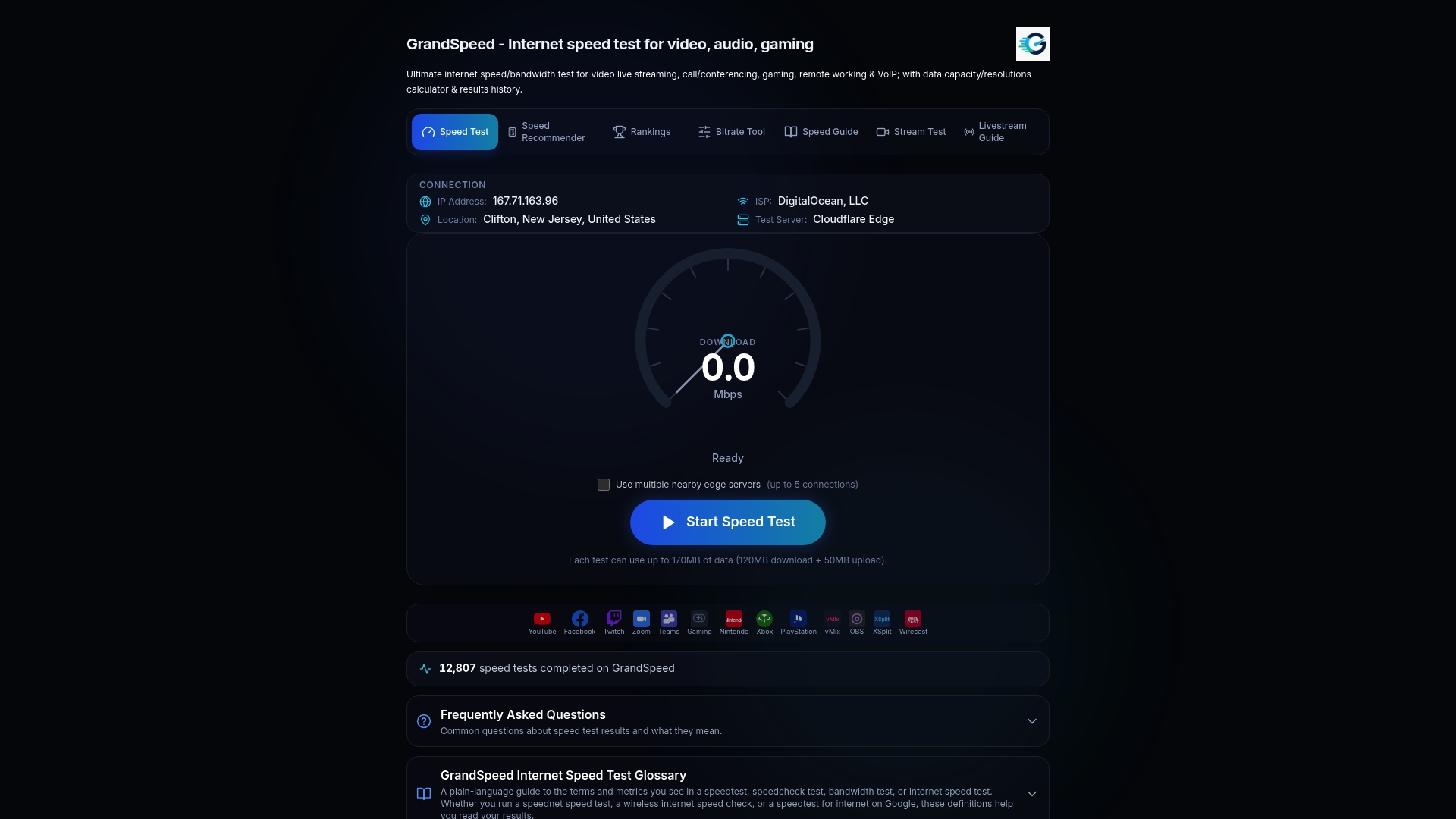
A generic bandwidth number tells an ISP nothing about why your ping jumps at 9 PM. A saved history of matching timestamps does. Run a latency test during tonight's peak window, run another at midday tomorrow, and keep both in your test history. If you stream while you play, the Video Streaming Quality Test adds jitter detail that matters for broadcast quality too. Export or screenshot the comparison, attach it to your ISP ticket, and you've turned a vague complaint into a documented pattern they have to investigate.
Sources
- Measuring Broadband America
- High Latency: Causes & Fixes | BroadbandSearch
- Highspeedinternet
- Why Your Ping Spikes Every Night at 8 PM (And How to Fix It) - CheckMyOverpay
FAQ
Why Am I Getting Latency Spikes at All Hours?
Latency spikes that happen at random times, not just evenings, usually point to a local Wi-Fi issue, an overloaded router, or a problem with your device rather than ISP congestion. Run a wired test at different times of day; if the spikes still appear unpredictably, the problem likely lies in your router or home network.
Why Is My Internet So Laggy at Night?
Evening lag is most often peak-hour congestion on shared infrastructure, since everyone in your area gets online at the same time and the local node or node-level path gets crowded. Cable connections tend to show this more than fiber, which stays closer to its normal latency even during busy hours.
Why Does My Xfinity Latency Spike in the Evening?
Cable providers like Xfinity share bandwidth across a neighborhood node, so evening demand from streaming and gaming households can push latency up noticeably compared to midday. A wired test at peak versus off-peak, logged over a few nights, will confirm whether this is happening on your specific node.
Why Am I Laggy Even Though My Internet Speed Tests Fine?
A clean bandwidth number doesn't rule out bufferbloat, jitter, or packet loss, which are the metrics that actually affect gaming and voice quality. A basic speed test can look perfect while latency and packet handling degrade underneath it, which is why a full diagnostic test that checks jitter and bufferbloat matters more than a raw Mbps number.
How Long Should I Test Before Contacting My ISP?
Collect timestamped results from at least three to five evenings, ideally with a midday sample each day for comparison, before reaching out. That's enough of a pattern to show an ISP support agent this isn't a one-off glitch.