

The best router for streaming right now is the NETGEAR Nighthawk RS600 WiFi 7 Router, balancing high sustained throughput with forward-looking Wi-Fi 7 features for households that want the strongest single-unit performance. For whole-home coverage without complicated setup, the Amazon eero 6+ mesh system is the easiest pick, and the TP-Link A6 V3 Gigabit WiFi Router covers single-room streaming on a tight budget. Wherever possible, run an Ethernet cable to your main TV or streaming box: wired connections sidestep Wi-Fi congestion entirely.
TL;DR:
- The NETGEAR Nighthawk RS600 WiFi 7 Router is future-proof but may not benefit most homes immediately due to existing Wi-Fi 6 device limitations.
- Mesh systems like eero 6+ provide more reliable coverage for multiple streaming rooms, especially in larger or multi-floor homes.
- Budget routers such as the TP-Link A6 V3 handle single-room streaming well but struggle with multiple simultaneous 4K streams.
- Wired Ethernet connections and proper placement remain critical for maintaining high quality and reducing buffering in demanding setups.
- Actual streaming performance depends on sustained throughput over distance and device compatibility with Wi-Fi standards, not just headline speeds.
Table of Contents
- Top Streaming Router Picks and How They Compare
- How to Choose a Streaming Router for Your Home
- Why Wi-Fi Standards and Channel Width Affect Streaming Quality
- How We Tested Streaming Performance and How You Can Too
- Which Router Fits Your Streaming Situation
- What to Watch Next: Wi-Fi 7 and Mesh Maturity
- Verify Your Setup with GrandSpeed Before You Buy
- FAQ
- Sources
Top Streaming Router Picks and How They Compare
Picking a router for streaming comes down to matching the device to your home's layout and your streaming habits. A studio apartment with one TV has nothing in common with a three-story house running 4K on four screens at once, so the "best" router changes depending on which of those you are.
For a single-router home that wants the newest hardware, the NETGEAR Nighthawk RS600 WiFi 7 Router leads the pack. It supports Multi-Link Operation and wide channel bandwidths, features that improve stability and throughput once client devices support the Wi-Fi 7 standard. That caveat matters: most streaming boxes and smart TVs sold today still run Wi-Fi 6, so the RS600 is really a bet on the next two or three years of device upgrades rather than an immediate leap for this year's hardware.
For whole-home coverage, the Amazon eero 6+ and the full eero Mesh Wi-Fi System both solve the same problem differently than a single router can: dead zones in bedrooms, basements, and far corners. The eero 6+ keeps setup to a few taps in an app and delivers dependable midrange performance for most streaming households, while the broader eero mesh lineup adds nodes for larger footprints without asking you to touch a settings menu most people never open.
Budget shoppers have two realistic entry points. The TP-Link A6 V3 Gigabit WiFi Router is the cheapest route to smooth single-room streaming, built on older but serviceable Wi-Fi 5/6 hardware. One step up, the Archer AX10 Wi-Fi 6 Router gives cost-conscious buyers an affordable on-ramp to Wi-Fi 6 without the price tag of flagship models.
Households juggling multiple 4K streams at once need more sustained throughput than a budget box can deliver. The Archer AX50 Wi-Fi 6 Router offers a dependable price-to-performance balance for most homes running two or three 4K streams simultaneously, and the Archer AX73 Wi-Fi 6 Router steps that up with stronger antennas and range for larger single-floor layouts. The ASUS RT-AX82U AX5400 Wi-Fi 6 Router adds gaming-oriented traffic management on top of stable real-world throughput, useful for households mixing competitive gaming with 4K streaming on separate screens.
Power users with several wired devices, smart TVs included, benefit from the extra Ethernet capacity on the ASUS RT-AX88U AX6000 Dual-Band Wi-Fi Router, which packs multiple gigabit LAN ports so TVs and consoles can bypass Wi-Fi entirely. For large homes chasing 6GHz performance and 8K-ready bandwidth, the Deco XE75 AXE5400 Tri-Band Wi-Fi 6E Mesh Routers pair mesh coverage with a dedicated tri-band backhaul that keeps node-to-node traffic off the same channels your devices use. Rounding out the field, the ASUS AX5400 WiFi 6 Extendable Gaming Router and the older D-Link AC3000 WiFi Router both suit specific niches: the ASUS model for gamers who also stream, and the D-Link for mixed-device homes still running older Wi-Fi 5 hardware that need separate bands to avoid congestion.
Independent distance-based throughput testing at 15, 50, and 75 feet is a better predictor of how any of these routers will actually behave in your home than the headline speed printed on the box.
- The NETGEAR Nighthawk RS600 and ASUS RT-AX88U both carry multi-gig wired ports, a practical edge for anyone running a wired smart TV or NAS.
- Mesh systems (eero 6+, eero Mesh Wi-Fi System, Deco XE75) trade a bit of peak speed for consistent coverage in homes with more than one streaming room.
- Budget routers (TP-Link A6 V3, Archer AX10) handle one streaming device well but strain once two or three 4K streams run at once.
How to Choose a Streaming Router for Your Home
The spec that matters most for streaming is sustained throughput at distance, not the peak theoretical number on the box. A router advertised at several gigabits might only deliver a fraction of that in the bedroom farthest from the unit, and that number, not the marketing figure, is what decides whether your 4K stream buffers.
Wired connections still beat wireless for anything mission-critical. A smart TV or streaming box connected by Ethernet never competes for airtime with your phone, laptop, or a neighbor's network, so a router with multiple gigabit LAN ports, like the ASUS RT-AX88U AX6000, earns its premium price in multi-device households.
Mesh makes sense once you have more than one streaming room or a layout with thick walls, multiple floors, or a basement media setup. A single router, even a strong one, struggles to push a clean signal through two floors and a few interior walls; a mesh kit spreads that load across nodes instead of asking one radio to do all the work.
Use this checklist while shopping:
- Measure your home's layout and count how many rooms need simultaneous streaming.
- Check whether your streaming devices support Wi-Fi 6, 6E, or 7 before paying for newer standards.
- Confirm the router has enough wired gigabit ports for your TVs, consoles, and any NAS devices.
- Compare independent throughput results at 15, 50, and 75 feet rather than the marketed maximum speed.
- Decide between a single router and a mesh kit based on square footage and wall count, not price alone.
Keep the router elevated, away from metal cabinets, and centrally located; even a top-rated unit underperforms when boxed into a closet behind a television.
Pro Tip: Place your router at roughly the same height as your streaming devices rather than on the floor; a few feet of elevation noticeably reduces signal loss through furniture and walls.
Why Wi-Fi Standards and Channel Width Affect Streaming Quality
Vendor "max speed" numbers describe a lab condition you will never recreate in a living room. What actually determines whether your 4K stream holds steady is the combination of standard, channel width, and how many devices share the connection at once.
- Wi-Fi 6 improved efficiency for multiple devices through OFDMA, which helps when several screens stream at once in the same home.
- Wi-Fi 6E opened the 6GHz band, giving streaming traffic a largely uncongested lane away from neighboring networks on 2.4GHz and 5GHz.
- Wi-Fi 7 adds Multi-Link Operation and 320MHz channels, which improve stability and throughput, but only for devices built to use them.
- Wider channels and higher QAM modulation raise theoretical ceilings, but a crowded 2.4GHz band or thick walls erase most of that advantage in practice.
For most households still running Wi-Fi 6 televisions and streaming sticks, a well-placed Wi-Fi 6 or 6E router delivers everything a 4K or even 8K stream needs. Wi-Fi 7 hardware is a reasonable buy if you plan to keep the router for several years and expect to replace client devices along the way, not a requirement for smooth streaming today.
How We Tested Streaming Performance and How You Can Too
Our evaluations lean on sustained throughput at set distances rather than box specifications, because that is what predicts real streaming performance better than theoretical maximums. The metrics that matter:
- Throughput at 15, 50, and 75 feet from the router.
- Latency and jitter, which affect how smoothly a live stream or video call holds together.
- Packet loss and bufferbloat, which show up as stutter even when raw speed looks fine.
A single 4K stream typically needs the roughly 15 to 25 Mbps sustained recommended by major streaming platforms, measured at the playback device itself rather than next to the router.
You can reproduce a simplified version of this test at home. Run a speed test over Ethernet next to your router as a baseline, then test again at 15 feet and at your farthest streaming room over Wi-Fi. Compare download speed, latency, and jitter against the Ethernet baseline: a big gap points to a Wi-Fi or placement problem rather than your internet plan.
Which Router Fits Your Streaming Situation
If you stream through one wired TV, certain routers cover it comfortably. Multi-4K households do best with higher-end routers or mesh kits. Small apartments rarely need more than budget-friendly options. Budget buyers who still want Wi-Fi 6 should start with affordable models over older Wi-Fi 5 hardware.
Before buying anything, confirm your broadband plan can actually support your streaming habits. If multiple 4K streams stutter even on Ethernet, the router is not the problem: check your connection with a speed test first.
What to Watch Next: Wi-Fi 7 and Mesh Maturity

Wi-Fi 7 routers look impressive on paper, but their real advantage only shows up once your phones, TVs, and streaming boxes also support the standard. Buying one today is a bet on your next device upgrade cycle, not an immediate transformation.
Mesh systems, meanwhile, have quietly become the more practical upgrade for most households. They solve the coverage problem that actually causes buffering in back bedrooms and basements, and they do it without asking anyone to understand channel widths or antenna placement.
Wi-Fi 7 is a future-proofing purchase. Mesh is the upgrade that fixes tonight's buffering.
— Peter D
Verify Your Setup with GrandSpeed Before You Buy
A faster router only helps if your broadband plan and home network can actually deliver the speeds it promises. Before spending on new hardware, we recommend running a speed test to see what your connection delivers right now, then checking our Video Streaming Quality Test to see the maximum resolution your current setup supports.
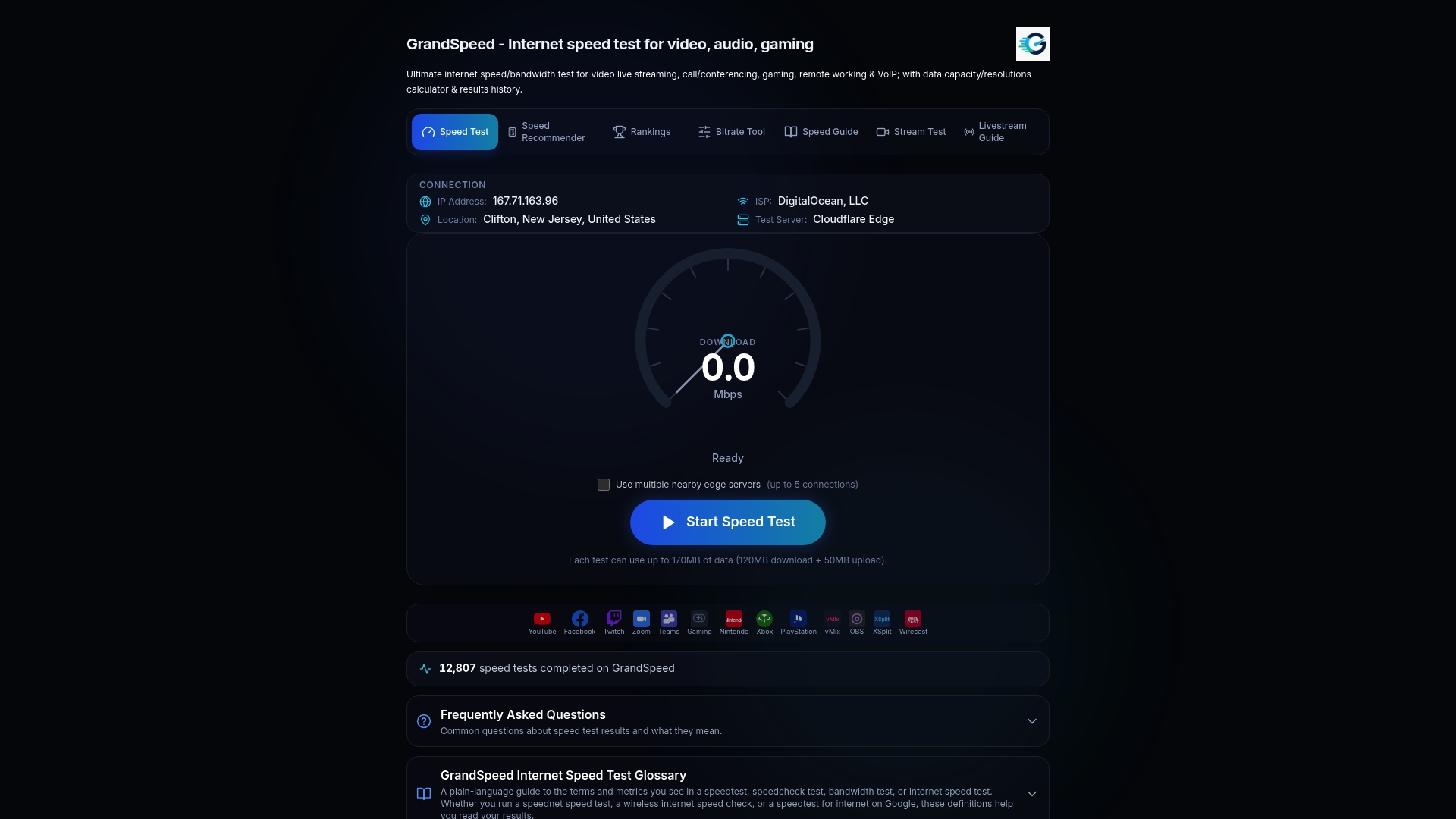
- Use the speed test to check download, upload, latency, and jitter at different spots in your home.
- Use the stream test to see the maximum live or broadcast resolution your connection currently supports.
- Use the bitrate planner if you plan to live stream and need to match encoding settings to your available upload speed.
FAQ
Which router is best for live streaming?
For live streaming, prioritize a router with strong upload throughput and low jitter, since live broadcasts are far more sensitive to upload stability than playback streaming. The NETGEAR Nighthawk RS600 WiFi 7 Router and ASUS RT-AX88U AX6000 both handle sustained upload well; pair either with our bitrate planner to match your encoder settings to your actual upload speed.
What is the best router for streaming on my smart TV?
A wired connection beats any Wi-Fi setup for a smart TV, so look for a router with enough gigabit LAN ports, like the ASUS RT-AX88U AX6000. If the TV sits far from the router and wiring isn't practical, a mesh system such as the eero 6+ keeps the wireless signal strong enough for 4K playback.
What is the best Wi-Fi router for home TV streaming?
For most homes, a midrange Wi-Fi 6 router like the Archer AX50 or ASUS RT-AX82U AX5400 delivers stable 4K streaming without the premium price of Wi-Fi 7 hardware. Larger homes with multiple TVs benefit more from a mesh kit like the Deco XE75 AXE5400 than from a single stronger router.
What is the best router in 2026?
The NETGEAR Nighthawk RS600 WiFi 7 Router leads for single-router performance given its Wi-Fi 7 feature set and strong wired throughput, though its full benefit depends on owning compatible Wi-Fi 7 devices. For most households, a Wi-Fi 6 or 6E router or mesh kit remains the more practical choice this year.
How much internet speed do I need for 4K streaming?
A single 4K stream typically requires the roughly 15 to 25 Mbps sustained recommended by major streaming platforms, measured at the streaming device rather than next to the router. Households running multiple 4K streams at once should multiply that figure by the number of simultaneous streams and verify the result with a speed test.
Sources
- I tested the Asus ROG Strix GS-BE18000 and this stealth gaming router punches way above its weight | Tom's Guide
- Netgear’s new Wi‑Fi 7 Orbi mesh system is a solid bump with plenty of ports | The Verge
- How Much Bandwidth Do You Need to Stream in 4K? · StreamNeo