

The single best predictor of gaming suitability is loaded latency plus packet loss under saturation, not your advertised download speed. If those two numbers stay close to idle levels while your connection is under load, you are ready to play with a reliable high-performance Windows RDP & VPS hosting setup. Run a wired loaded latency or responsiveness test right now and compare it against your idle reading using a tool like the speed test.
TL;DR:
- Loaded latency and packet loss under network saturation are the most critical metrics for gaming, not the advertised download speed.
- Running multiple tests during different times and configurations, especially with a wired connection, is essential to accurately assess network gaming performance.
- For fast-paced and competitive games, aim for an idle latency under 30 milliseconds and keep the increased latency under load within 20 to 30 milliseconds.
- Bufferbloat caused by queue buildup under load can significantly increase latency, which can be identified by a jump of 100 milliseconds or more between idle and loaded tests.
- Improving home network setup by switching to a wired connection and enabling queue management features can dramatically reduce lag and jitter.
Table of Contents
- Which network metrics matter for gaming and why
- How to run reliable tests, step by step
- Interpreting results for specific gaming scenarios
- Common causes and prioritized fixes you can do now
- Monitor, log, and know when to escalate
- Differences between ISPs in terms of network infrastructure and peering
- Impact of ISP throttling and data caps on gaming experience
- Regional coverage and consistency of ISP gaming performance
- Customer service and support quality specifically for gamers
- Comparison of price and value for gaming-focused internet plans
- Tips for optimizing your home network to complement your ISP
- What GrandSpeed sees across typical gaming connections
- Run these checks yourself with GrandSpeed
- Where these numbers come from
- Sources
- FAQ
Which network metrics matter for gaming and why
Download speed gets all the marketing attention, but it barely predicts how a game feels. Idle latency is the delay your connection shows when nothing else is happening. Loaded latency, sometimes called responsiveness, is what happens to that delay once the line is busy uploading or downloading something else, like a background update or a family member's video call.
The gap between those two numbers matters more than either one alone. A connection with 15 milliseconds idle and 300 milliseconds loaded has a serious bufferbloat problem, even though the idle number looks great. Jitter, the variation in latency from one packet to the next, causes the rubber-banding effect competitive players hate. Packet loss drops data entirely, forcing games to guess or freeze.
- Idle latency under a few tens of milliseconds is comfortable for most competitive games.
- Loaded latency should remain close to idle latency to avoid noticeable lag spikes.
- Jitter beyond modest levels tends to cause visible stutter in fast-paced titles.
- Packet loss above about 1% starts to affect gameplay; higher levels become disruptive.
Sensitivity varies by genre. A turn-based strategy game tolerates far more delay than a competitive shooter or a rhythm game, where a 50-millisecond swing is the difference between a hit and a miss.
A single unstable metric can matter more than overall bandwidth for gaming performance, according to guidance in ITU‑T G.1030, which models how users perceive delay in interactive services and notes that delays approaching one-second break the flow of interaction entirely, a threshold far above what competitive gamers will tolerate but useful context for understanding why sub-second delays still register as lag.
How to run reliable tests, step by step
A single speed test tells you almost nothing on its own. Reliable diagnosis comes from a repeatable process that isolates variables one at a time.
- Connect the test device directly to your router with an Ethernet cable, not Wi-Fi, to rule out wireless interference.
- Close background apps, cloud backups, and any device on the network that might be streaming or downloading.
- Run an idle latency test first to establish your baseline.
- Run a loaded or responsiveness test that saturates the connection with real traffic streams, then compare the loaded latency, jitter, and packet loss against your idle numbers.
- Repeat the test at two or three different times of day, including your typical evening gaming window, since neighborhood congestion often shows up only during peak hours.
- Test from more than one server location if your tool allows it, since a distant test server can inflate latency independent of your local connection.
The Responsiveness Test approach described in IETF drafts works by deliberately saturating the bottleneck link with multiple streams and measuring round trips per minute, which is exactly why a loaded test catches problems an idle ping test misses entirely.
Pro Tip: Save every test result to your history so you have a dated record of idle versus loaded latency before you ever need to call your ISP.
Interpreting results for specific gaming scenarios
The right target numbers change depending on what you are actually doing online.
- Competitive FPS and fast-paced multiplayer: aim for idle latency under 30 milliseconds and a loaded-latency increase of no more than 20 to 30 milliseconds. Anything larger under load points to bufferbloat that will show up as inconsistent hit registration.
- Cloud gaming and remote play: these depend almost entirely on loaded latency staying low and packet loss staying near zero, since the video stream itself needs steady delivery. An IEEE study on cloud and VR gaming quality found that quality noticeably degrades once round-trip time reaches roughly 75 milliseconds or packet loss exceeds about 6%, and that the two combined, even at lower individual levels around 25 milliseconds of added delay and 4% loss, produce strong degradation faster than either factor alone.
- Streaming while gaming: upload headroom is the constraint here, not download. If your stream encoder and your game are both pulling from the same uplink, you need enough spare upload capacity that neither one saturates the connection. Running your numbers through a bitrate planner before you go live helps estimate what bitrate your upload can support without pushing your game's traffic into a queue.
Newer network approaches described in an IETF draft on low-latency deployment show that queue management schemes like L4S and NQB can reduce loaded latency substantially in deployments that support them, which means two connections with identical advertised speeds can behave very differently once real traffic hits the line.
Common causes and prioritized fixes you can do now
Most gaming lag traces back to a small number of causes, and fixing them in the right order saves time.
- Switch to a wired connection first. Wi-Fi interference and contention are the most common source of inconsistent latency.
- Update your router's firmware and check whether it supports an active queue management feature like CoDel or PIE, then enable it if available, since these schemes are built specifically to control the queuing delay that causes bufferbloat.
- Pick a clear Wi-Fi channel and band if wired is not an option, favoring the 5 GHz band for lower interference in a crowded household.
- Pause background updates, disable a VPN while gaming, and update your network adapter drivers, since outdated drivers occasionally introduce their own jitter.
- Run an MTR trace if the problem persists after local fixes, to see whether latency or loss appears at a specific hop outside your home network, which is evidence worth bringing to your ISP.
Pro Tip: Fix your own network first. An ISP support line will ask whether you tested wired before they investigate anything on their end, and skipping that step just costs you a callback.
Design goals described in RFC 8033 explain why PIE and similar algorithms exist: they control queuing latency without sacrificing how much data the link can move, which is the whole point of fixing bufferbloat instead of just buying more bandwidth.
Monitor, log, and know when to escalate
A single bad test proves nothing to an ISP support agent. A pattern does.
- Log the timestamp, test server, idle latency, loaded latency, jitter, packet loss, and what else was active on the network at the time.
- Test at the same time each evening for at least a week before drawing conclusions about consistent congestion.
- Contact your ISP once you have several logged instances of loaded latency spiking well above idle on a wired connection, especially if an MTR trace shows loss appearing at a hop inside the ISP's own network rather than at your router or the final destination.
- Retest within a day or two after any fix, whether it came from you or from the ISP, to confirm the change actually held under load.
Differences between ISPs in terms of network infrastructure and peering
The physical technology behind your connection sets a ceiling on what testing can improve. Fiber connections generally offer lower and more consistent latency than cable or DSL because the underlying medium has less inherent contention with neighbors sharing the same local loop. Cable networks share bandwidth across a neighborhood segment, which is part of why loaded latency on cable often looks worse during peak evening hours than the same test run at 3 a.m.
Peering, the arrangements an ISP has with other networks to exchange traffic, affects how far your packets travel before reaching a game server. A provider with a well-connected path to major game or cloud hosting regions will show lower and steadier latency to those specific destinations, even if its raw speed tier looks identical to a competitor's on paper. This is one reason two people with the same advertised plan from two different providers can get very different results testing to the same game server.
None of this is something you can see from a plan's marketing page. It only shows up in an actual loaded latency test run to a server near where your games are hosted, which is why testing your specific connection matters more than comparing brochure numbers. Background on how access technologies differ in baseline latency and contention is covered in more detail in a comparison of cable and fiber technology.
Impact of ISP throttling and data caps on gaming experience
Throttling and data caps affect gaming in different ways, and it helps to know which one you are dealing with. Throttling that specifically targets certain traffic types can introduce added latency or reduced throughput during identified gaming or streaming sessions, though its presence is hard to prove without controlled before-and-after testing across different traffic types on the same connection at the same time of day.
Data caps work differently: once you cross a monthly threshold, some providers reduce speed for the rest of the billing cycle rather than cutting service off. A drop in download and upload throughput after a cap is reached will show up clearly in a basic speed test, but it can also drag down loaded latency performance if the reduced-speed tier leaves less headroom before the connection saturates. If your gaming performance was fine early in the month and degrades badly near the end of your billing cycle, a data cap is a more likely explanation than a sudden ISP-wide problem.
The practical fix is the same either way: log your test results with timestamps across the billing cycle. A pattern that lines up with your cap date or with specific hours is evidence you can bring to support, rather than a vague complaint about lag that is easy to dismiss.
Regional coverage and consistency of ISP gaming performance
The same provider can perform very differently depending on where you live, even within the same country. Fiber build-out is uneven, so one neighborhood might have direct fiber to the home while another a few miles away is still served by an older cable or DSL infrastructure from the same company. Rural and lower-density areas typically see less network investment and more shared contention, which tends to show up as higher and more variable loaded latency during peak hours.

This is also why online reviews and general reputation for an ISP are a weak guide to what you will actually experience. A provider with a strong reputation in one metro area might route your traffic through a congested regional hub in another. The only way to know your local performance is to test your specific connection, at your specific address, during your specific gaming hours, rather than relying on a national average that may not reflect your neighborhood at all.
Consistency matters as much as the peak numbers. A connection that hits excellent speeds at 2 p.m. but degrades badly at 8 p.m. every night is less useful for gaming than a moderately fast connection that stays steady all evening, because competitive games punish variability more than they punish a slightly lower ceiling.
Customer service and support quality specifically for gamers
Most ISP support scripts are built around basic connectivity complaints, not latency diagnostics, so gamers often need to be more specific than the average caller to get useful help. A vague report of "lag" rarely goes anywhere. A report that includes your logged idle and loaded latency numbers, packet loss percentages, and the times the problem occurs gives a support agent something concrete to investigate rather than a reason to restart your modem and close the ticket.
Escalation matters too. First-line phone support is generally trained to rule out equipment problems and local Wi-Fi issues, which is exactly why running your own wired tests before you call saves time. If the problem persists after basic troubleshooting, ask specifically to be escalated to a technical or network operations team, and bring your MTR trace showing where in the path the loss or delay appears.
Response time and technical depth vary a great deal between providers, and that variation is rarely visible until you actually need help. It is worth treating support quality as part of the value of a connection, since even a fast, low-latency line is only as useful as the ability to get it fixed quickly when something changes on the provider's end.
Comparison of price and value for gaming-focused internet plans
Gaming-branded internet tiers are usually the same underlying connection as a standard plan, sometimes with a marginally higher upload allocation or a router bundled in, at a higher monthly price. The label rarely changes the physical infrastructure, the peering arrangements, or the congestion behavior that actually determines whether a connection games well.
The more useful comparison is value per megabit of usable headroom rather than advertised speed. A cheaper plan with 100 Mbps down that holds steady loaded latency under saturation is a better gaming value than a pricier 500 Mbps plan that shows large loaded-latency spikes during peak hours, because gaming rarely uses more than a few megabits per second of actual throughput. What it needs is a connection that does not degrade when something else on the network is busy.
Before paying more for a "gaming" tier, test your current plan's loaded latency and packet loss first. If those numbers already hold steady under load, a plan upgrade or gaming-branded add-on will not improve your actual gaming experience, since the bottleneck was never bandwidth to begin with. If they do not hold steady, a straightforward bandwidth upgrade may fix a bufferbloat problem indirectly by leaving more headroom before the link saturates, but tuning your router's queue management is often a cheaper first step.
Tips for optimizing your home network to complement your ISP
Even the best connection underperforms behind a poorly configured home network. A handful of adjustments consistently make the biggest difference for gaming.
Put your gaming device on a wired Ethernet connection whenever possible, since this alone eliminates the most common source of jitter and inconsistent latency. If wired is not practical, choose the 5 GHz band on a dual-band router and pick a channel with less interference from neighboring networks, which most router admin panels can scan for automatically.
Check whether your router supports Quality of Service settings that can prioritize gaming traffic over background downloads, and enable an active queue management feature like CoDel or PIE if it is available, since that is specifically what those algorithms are designed to control. Keep your router firmware current, since manufacturers periodically patch bufferbloat and stability issues in updates. Finally, place the router in a central, open location rather than a closet or behind furniture, since physical obstructions and distance degrade Wi-Fi signal quality in ways that show up as latency variance rather than an obvious dropped connection. A guide to connection requirements for streaming and gaming scenarios covers additional detail on balancing throughput and responsiveness when your setup handles both at once.

What GrandSpeed sees across typical gaming connections
A common pattern: idle latency looks fine, but a loaded test reveals a jump of 100 milliseconds or more, almost always bufferbloat on an untuned router or a congested Wi-Fi band. ISP-side congestion shows up less often, usually only at predictable peak hours.
The first three checks worth running, in order: a wired loaded latency test, a Wi-Fi band and channel check if wired is not possible, and a repeat loaded test at your actual gaming hours before assuming the problem is your provider's.
*— Peter D *
Run these checks yourself with GrandSpeed
Testing your own connection beats guessing every time, and GrandSpeed gives you the tools to do it without installing anything. Start with the Speed Test to capture idle and loaded latency, jitter, and packet loss in one pass.
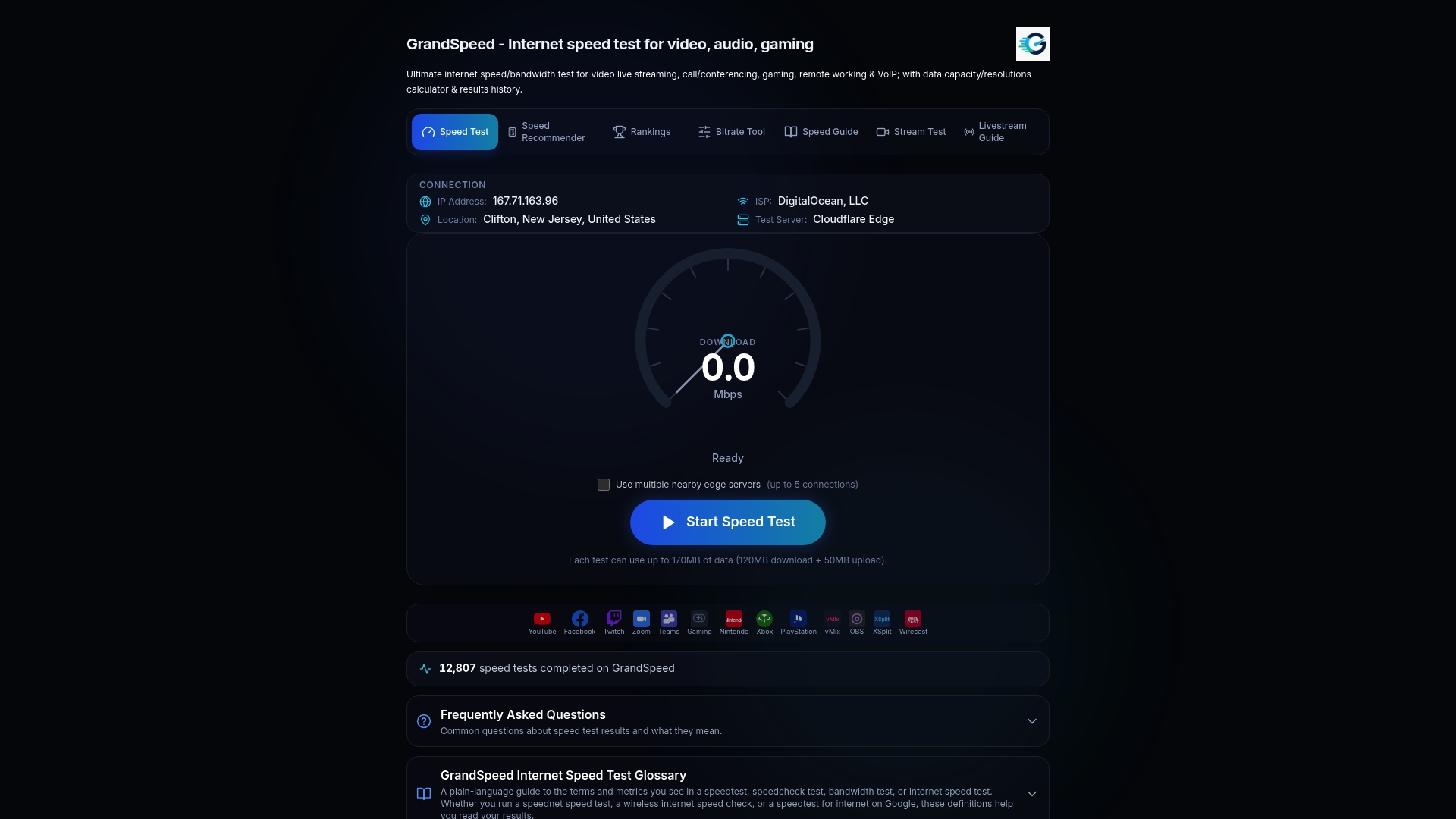
If you stream while you play, run the Stream Test to see your supported resolution under real conditions, and use the bitrate planner to set a safe upload ceiling. Save your results to your test history before you contact your ISP, so you have dated proof rather than a one-off complaint.
Where these numbers come from
Thresholds in this guide draw on ITU‑T G.1030, the IETF's responsiveness and low-latency deployment drafts, RFC 8033, and Cloudflare's speed test analysis.
Sources
FAQ
What is a good ping for online gaming?
Idle latency under 30 milliseconds is comfortable for most competitive games, but the loaded latency reading matters just as much. A connection that stays close to that number under load, rather than spiking during saturation, is the better indicator of gaming suitability.
How much packet loss is too much for gaming?
Cloud and VR gaming are even less tolerant, with quality noticeably degrading once loss exceeds roughly 6% according to an IEEE study on cloud and VR gaming.
What is bufferbloat and how do I know if I have it?
Bufferbloat is delay caused by an oversized network queue filling up under load, which spikes your latency without any packet loss occurring. Run an idle latency test, then a loaded test, and compare the two: a jump of 100 milliseconds or more on a wired connection is a strong sign of bufferbloat.
Does upload speed matter for gaming if I also stream?
Yes, since your game traffic and your stream encoder share the same upload connection. Use a bitrate planner to set your stream bitrate with enough headroom that it does not saturate your uplink and push your game's packets into a queue.
Is Wi-Fi ever good enough for competitive gaming?
A strong 5 GHz connection with little interference can work, but a wired Ethernet connection eliminates the most common source of jitter and inconsistent latency. If you must use Wi-Fi, test loaded latency on that connection specifically before assuming it is holding you back.