
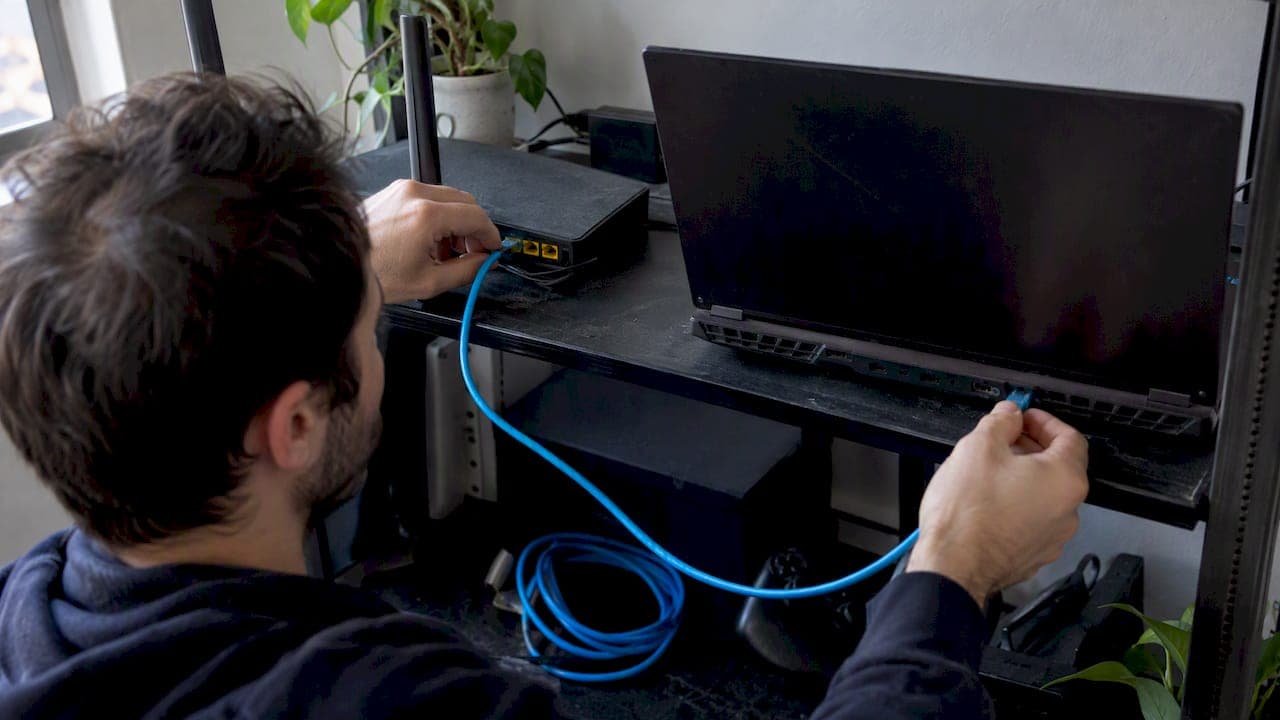
For almost every gaming PC or console, a quality Cat6 or Cat6A cable is the best balance of performance and price. Cat8 rarely helps on a typical home setup since most ISPs and routers top out well below what it supports. The exceptions are a dedicated 10Gbps home network or cable runs bundled near heavy electrical noise. Once you switch cables, confirm the fix worked with an internet speed test rather than guessing.
TL;DR:
- Most home gamers should stick with Cat6 cables unless they plan to upgrade to a 10Gbps network or run in-wall wiring; Cat8 offers no advantage for typical gaming distances.
- Shielded cables like Cat7 or higher are beneficial only if the run passes near electrical noise sources or dense bundles, otherwise unshielded Cat6 is sufficient and cheaper.
- Upgrading to a higher category cable does not reduce latency, which is mainly affected by upstream factors like ISP routing and server load, not the cable itself.
- Properly measuring connection speed and latency before and after switching cables ensures the upgrade makes an actual difference and prevents unnecessary expenses.
- For most setups, a quality Cat6 patch cable reliably supports 1 Gbps at 100 meters, with Cat6A needed only for 10Gbps or in-wall applications.
Table of Contents
- Which Ethernet cables are actually worth buying for gaming
- How categories, shielding, and length affect gaming latency
- A buying checklist for picking the right cable
- How to test your wired connection and confirm it actually helped
- What testing taught us about cable hype
- Confirm your upgrade worked before you call it done
- Sources
- FAQ
Which Ethernet cables are actually worth buying for gaming
Most gamers do not need the cable with the highest category number on the shelf. They need one that fits the run, resists interference, and will not fail at the connector after six months of being kicked under a desk.
- Amazon Basics RJ45 Cat 6 Ethernet Patch Cable: a low-cost Cat6 patch cable suited to short runs from router to console or PC.
- Cable Matters Snagless Long Cat 6 Ethernet Cable: a Cat6 patch cord sold in longer lengths with snagless boots, good for routing across a room without snagging on furniture.
- Mediabridge CAT6 Ethernet Patch Cable: known for solid connectors and backed by a warranty, a dependable pick for a desk setup or console that will not move.
- CableGeeker Cat 6 Ethernet Cable: sold in a wide range of lengths and colors, useful when you want a tidy, color-coded fixed run.
- UGreen Cat 7 Ethernet Cable: shielded construction that helps in rooms with bundled cables or nearby electrical noise.
- DBillionDa Cat 8 Ethernet Cable: a high-spec patch cord built for short, high-bandwidth links rather than typical home gaming.
- Orbram Cat 8 Ethernet Cable: similar to the DBillionDa, aimed at short-reach, data-center style connections.
- SnowKids Cat 8 Ethernet Cable: marketed as a premium option but, like other Cat8 patch cords, offers little practical latency advantage on a home gaming rig.
- Amazon Basics Cat 6 Ethernet Patch Cable: the standard Cat6 version of Amazon's patch cable line, a safe default for most desk and console connections.
For a console sitting a few feet from the router, the Amazon Basics Cat6 patch cable or the Mediabridge Cat6 cable covers it. For a longer run across a living room, the Cable Matters Snagless Long Cat6 cable or a CableGeeker length in the right color does the job without slack piling up. If the run passes near a power strip or a bundle of other cables, the UGreen Cat7's shielding is worth the small premium. The Cat8 options from DBillionDa, Orbram, and SnowKids make sense only if you have 10Gbps-capable switches and network cards on both ends, which almost no home gaming setup does yet.
How categories, shielding, and length affect gaming latency
Cable category describes bandwidth capacity, not ping. A Cat6 cable and a Cat8 cable carrying the same gaming traffic over a home network will produce the same in-game latency, because the limiting factor almost never sits inside a six-foot patch cable.
Fluke Networks recommends Cat6A or Class EA cabling to reliably support 10GBASE-T at full 100-meter channel length, and notes that field certification is what actually guarantees 10Gbps performance, not the category label alone. Cisco echoes this, stating that 10GBASE-T requires Cat6A or better to reach the full 100 meters while remaining backward compatible through standard RJ-45 connectors.
- Cat5e and Cat6 handle 1 Gbps reliably at full 100-meter length, which covers the overwhelming majority of home networks.
- Cat6A doubles effective bandwidth headroom and is the baseline standard bodies recommend for new 10Gbps wiring.
- Cat7 and Cat8 add shielding and higher rated bandwidth aimed at commercial and data-center environments, not home routers.
What actually causes the lag gamers complain about is the path beyond the local cable: ISP routing, server location, and congestion upstream. Local shielding only matters when a cable runs near motors, fluorescent ballasts, or dense cable bundles that introduce electromagnetic interference. A UTP Cat6 cable is fine for a cable running along a clean baseboard.
Wired connections consistently beat Wi-Fi on consistency. T-Mobile notes that Ethernet delivers lower, more consistent latency than Wi-Fi, which is why a wired link matters more for gaming stability than the specific cable category you choose.
A buying checklist for picking the right cable
Most purchase mistakes come from either buying too much cable category or too little cable length. Walk through these steps in order.
- Measure the actual run from the router or switch to the gaming device, then add a small amount of slack, not a few extra meters out of caution.
- Pick Cat6 for nearly all gaming setups; step up to Cat6A only if you are planning a 10Gbps home network or running permanent in-wall wiring, and skip Cat8 unless both ends of the link have matching 10G or faster hardware.
- Choose stranded cable for patch cords that move or get stepped on, and reserve solid-conductor cable for permanent wall or ceiling runs, since Fluke Networks points out solid-conductor terminations hold up better for fixed installs while stranded cords flex more reliably at the desk.
- Inspect the connector, looking for snagless boots and visible strain relief where the cable meets the plug, since this is usually where cheap cables fail first.
- Add shielding only if needed, choosing an STP or FTP cable like a Cat7 when the run passes near power cables or sits in a crowded bundle; otherwise UTP is sufficient and cheaper.
Pro Tip: Buy from a seller with a clear return policy and check the manufacturer's warranty before committing to a longer or pricier cable; a connector failure six months in should not be your problem to eat.
How to test your wired connection and confirm it actually helped
Buying a new cable means nothing if you cannot confirm it changed anything. Measure before and after.
- Ping and latency: under 20 milliseconds is excellent for gaming, under 50 milliseconds is generally playable.
- Jitter: look for low, stable variation rather than a single good reading, since spikes cause the stutter gamers notice most.
- Packet loss: anything above a fraction of a percent will show up as rubber-banding or dropped hits.
- Link speed: confirm your NIC and router actually negotiated the speed you expect, since a bad cable or port can silently fall back to a slower link.
Run a baseline test on Wi-Fi first, then plug in directly to the router or switch and run a GrandSpeed test to compare latency, jitter, and packet loss side by side. HowToGeek found wired connections averaging roughly 16 milliseconds of ping against roughly 60 milliseconds over Wi-Fi in comparable home testing, a gap far bigger than anything a cable category change alone produces.
If wired results still disappoint, check that the port actually negotiated the expected speed, try a different cable or port, update your network card drivers, and power-cycle the modem and router before assuming the cable is at fault. Many lingering issues sit upstream with the ISP or the game server rather than the cabling, which our speed guide walks through in more detail.

What testing taught us about cable hype

Most support tickets about gaming lag turn out to be router placement, Wi-Fi interference, or an ISP issue, not the Ethernet cable itself. When the cable actually was the problem, a plain Cat6 swap fixed it nearly every time once we measured latency and jitter before and after.
Spending extra on a Cat8 patch cord for a desktop gaming rig is rarely worth it: the category exists for short, high-bandwidth data-center links, not a cable running from your router to your desk. Measure your connection with GrandSpeed before buying anything, then measure again after, so the money you spend is based on evidence rather than a label on the packaging.
— Peter D
Confirm your upgrade worked before you call it done
Some internet speed tests measure latency, jitter, packet loss, and link quality in one test, and tell you the maximum streaming resolution your connection actually supports, so you are not guessing whether a new cable made a real difference.
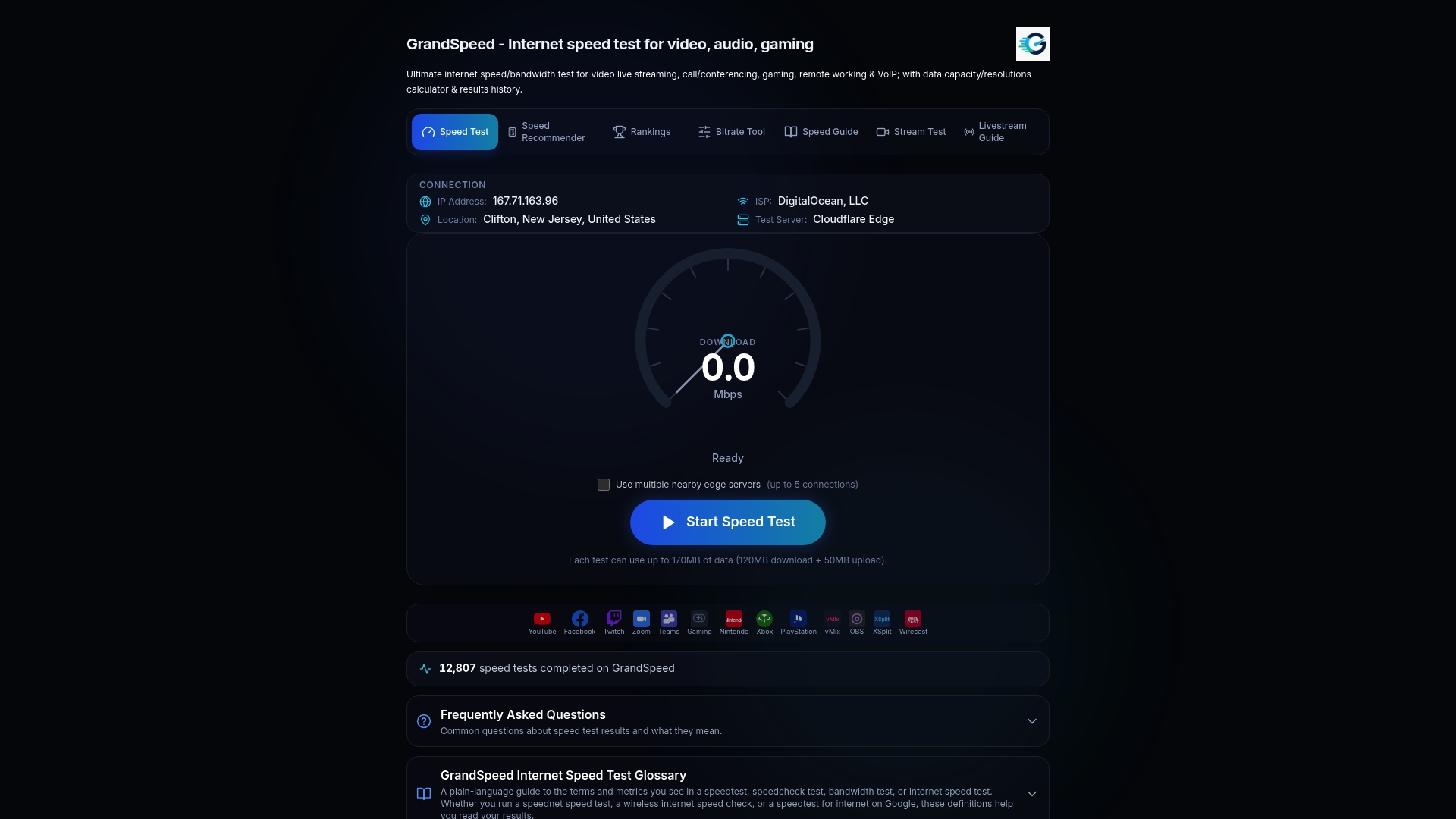
- Run a baseline test on Wi-Fi to see your starting latency and jitter.
- Switch to the wired connection and run the same test again.
- Compare the two results side by side to see exactly what changed.
Start with our speed test to measure your current connection, and if you stream while you play, check throughput with the stream test to make sure your upload keeps pace too.
Sources
- Twisted Pair Cabling Tester and 10 Gigabit Cabling | Fluke Networks
- Ethernet vs. Wi‑Fi: Which Connection is Best for You? | T‑Mobile
- Wi‑Fi vs. Ethernet: How much better is a wired connection? | HowToGeek
FAQ
Is Cat8 overkill for gaming?
For almost all home gaming setups, yes: Cat8 targets short, very high-bandwidth data-center style links rather than typical router-to-console distances. A home network running at 1 Gbps sees no latency benefit from Cat8 over a properly made Cat6 cable.
Is Cat7 overkill for gaming?
Not necessarily, since Cat7's shielding helps in rooms with electrical interference or dense cable bundles. For a clean, short run with no nearby interference, a UTP Cat6 cable performs the same for gaming purposes.
Is Cat6 or Cat7 better for gaming?
Both support 1 Gbps gaming traffic with no latency difference between them on a typical home network. Cat7 adds shielding that only matters if your cable run passes near power lines, motors, or other bundled cables.
Is Cat6 enough for 1000Mbps?
Yes, Cat6 supports 1 Gbps reliably at the standard 100-meter maximum length, which covers virtually every home setup. For 10Gbps speeds, Fluke Networks and Cisco both recommend stepping up to Cat6A instead.